During internet outages, your smart lock can still work thanks to offline features like Bluetooth or Z-Wave, which allow you to open manually or via compatible apps without needing internet. Backup keys and keypads provide direct access if digital methods fail. Most smart locks are designed to operate safely offline, ensuring your home stays secure until the connection is restored. Keep exploring to learn how to set up these offline options effectively.
Key Takeaways
- Many smart locks can operate offline using Bluetooth, Z-Wave, or keypad access during internet outages.
- Physical keys and backup keypads serve as reliable manual override methods when internet is unavailable.
- Remote control, access logs, and temporary digital codes may be temporarily inaccessible during outages.
- Firmware updates often require internet access; delays can leave devices vulnerable to security issues.
- Devices are typically designed to ensure basic lock functions remain secure and operational without internet connectivity.

Arlo Video Doorbell 2K (2nd Gen, Latest Release), Wireless or Wired Option, 2-Way Audio, Night Vision, Head to Toe Video View, Package Detection, Person & Vehicle Recognition, 1-Month Secure Plan
Reliable Indoor & Outdoor Video Doorbell Wired/Wireless: Watch, listen and talk. Monitor your home, property and keep your...
As an affiliate, we earn on qualifying purchases.
What Happens to Your Smart Lock When the Internet Goes Out?

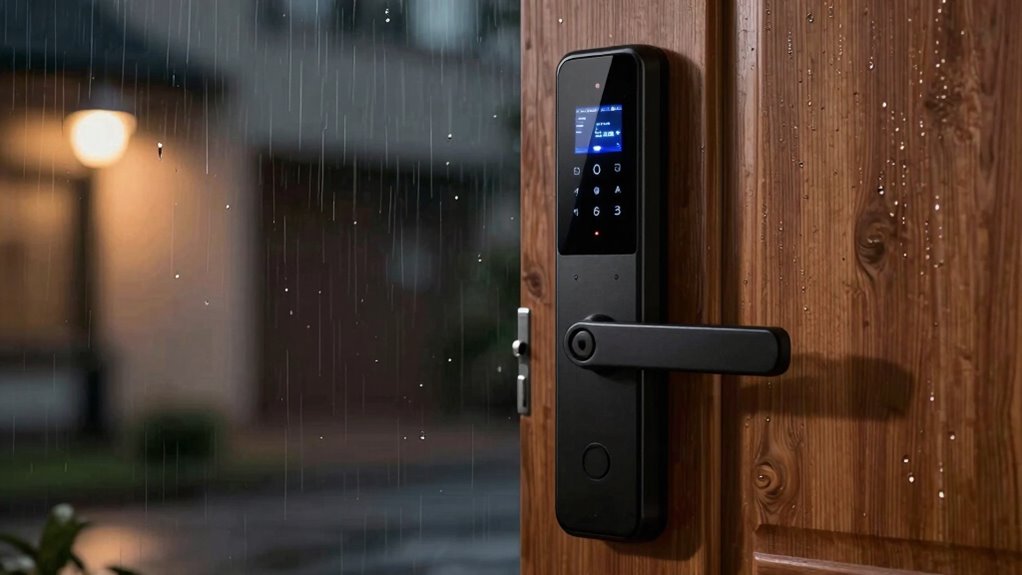
When the internet goes out, your smart lock may lose its remote access capabilities, but it doesn’t necessarily become useless. During outages, network stability becomes essential; if your Wi-Fi connection is weak or unreliable, your smart lock might not respond to remote commands. However, many smart locks are designed with device compatibility in mind, allowing for local control through Bluetooth or Z-Wave connections. These features enable you to operate your lock without an active internet connection, ensuring basic functionality remains intact. Keep in mind that not all smart locks support offline operation, so understanding your device’s offline capabilities with local control options is vital. This knowledge can help you choose locks that provide offline operation for better security during outages. Additionally, contrast ratio in smart lock displays can affect the visibility of status indicators in various lighting conditions, which is useful when managing your lock without internet access. Moreover, investing in a smart lock with backup power sources can help maintain operation during power outages or connectivity issues. Being aware of your lock’s power management features can further enhance reliability when connectivity is compromised.

REOLINK Video Doorbell WiFi Camera - Wired 2K Outdoor, 5G&2.4G WiFi, 4:3 Wide View Angle, Smart Detection, Local Storage, No Subscription Front Door Home Security, Customized Chime V2
2K Super HD Day & Night! Incredible 2K HD, with advanced HDR/3D DNR and distortion correction technologies, brings...
As an affiliate, we earn on qualifying purchases.
Do Smart Locks Still Work Without an Internet Connection?

Even if your internet is down, your smart lock might still grant you access locally. However, some features could be limited without an online connection. It’s important to know your lock’s backup options and alternative entry methods to stay secure. local automation can sometimes enable control of your lock without internet, but this depends on your specific device. Additionally, understanding smart lock functionality helps you prepare for outages and ensures continued access when needed. Being aware of Free Floating design principles can also influence how your outdoor smart lock operates in various environmental conditions. Recognizing the importance of network redundancy can help you maintain access during connectivity issues, and knowing the privacy policy of your smart lock can help you understand how your data is protected during such situations.
Local Access Possible?
Many smart locks are designed to function locally, meaning they can still be operated without an internet connection. This provides you with reliable local access and offline control when Wi-Fi or cellular networks are down. Typically, these locks use Bluetooth, Z-Wave, or Zigbee protocols to connect directly to your smartphone or a hub within range. As a result, you can open your door using a keypad, physical key, or an app on your device, even if the internet is unavailable. This feature guarantees you’re not locked out during outages, offering peace of mind. However, it’s important to check your specific lock’s capabilities, as not all models support offline control or local access. Always verify that your smart lock can operate independently of internet connectivity, especially as smart security solutions increasingly incorporate decentralized features to enhance security and reliability. Additionally, some locks may require periodic online updates or authentication to function optimally, so understanding your device’s offline capabilities is crucial for uninterrupted access.
Lock Functionality Limits
While some smart locks can operate locally during internet outages, their full functionality may be limited. Lock functionality limits mean you might still be able to open your door using physical keys or offline access methods, but features like remote control, access logs, or temporary codes could become unavailable. Without an internet connection, your smart lock may revert to basic operations, relying solely on its local Bluetooth or Z-Wave protocols. This can restrict your ability to grant or revoke access remotely, and certain security features might be disabled. It’s important to understand that while offline access guarantees you can still enter your home, some smart lock capabilities won’t function until the internet is restored. Being aware of these lock functionality limits helps you prepare for potential disruptions.
Alternative Entry Methods
Smart locks are designed with alternative entry methods that allow you to access your home even when the internet is down. Many models include alternative keys, so you can use a traditional key if the electronic system fails. Additionally, most smart locks feature a manual override, enabling you to unlock the door with a physical key or a backup method. This guarantees you’re never locked out during internet outages. Some smart locks also have keypad access with stored codes, which work independently of Wi-Fi or Bluetooth. These backup options are essential for maintaining security and convenience, especially when connectivity issues occur. Always familiarize yourself with your lock’s manual override process and keep your alternative keys in a safe, accessible spot. Moreover, understanding the best garage door openers can be useful since they also incorporate backup systems to ensure your garage remains secure even during power or internet failures. Investing in locks with robust backup options can further enhance your home’s security in case of outages. For added peace of mind, consider locks that incorporate battery-powered backup systems, ensuring continuous operation even when the main power source is disrupted. Additionally, choosing models with long-lasting batteries can prevent unexpected lockouts caused by battery depletion. Being aware of navigation and mapping explainers related to smart locks can help you understand how some advanced models keep functioning during connectivity issues.

Tapo 2K+ Wired or Battery Powered Smart Video Doorbell with Chime - 180° Field of View, Person/Vehicle/Package Detection, Ring Call, 2-Way Audio, Subscription-Free Local Storage or Optional Cloud,D225
【Complete Flexibility - Wired and Wireless】The Tapo D225 offers users complete flexibility to mount the doorbell as they...
As an affiliate, we earn on qualifying purchases.
How Do Different Connectivity Options Like Bluetooth and Z-Wave Help During Outages?

During internet outages, connectivity options like Bluetooth and Z-Wave become essential for maintaining access to your smart lock. These options allow you to unbolt your door without relying on Wi-Fi or cellular networks, ensuring you’re never locked out. Here’s how they help:
During outages, Bluetooth and Z-Wave ensure you can still unlock your door without internet.
- Local Communication: Bluetooth and Z-Wave enable direct device-to-lock communication, bypassing internet dependence.
- Enhanced Control: You can still grant access or monitor your lock remotely, maintaining convenience during outages.
- Security Implications: While these options offer independence, they also raise security concerns if not properly encrypted or updated. Ensuring your connectivity options are secure is critical for protecting your home.
- Reliable Backup: Using Bluetooth or Z-Wave as a backup connection reduces reliance on internet connectivity, especially during internet outages, providing peace of mind.

ANNKE 3K Lite Wired Security Camera System Outdoor with AI Human/Vehicle Detection, 8CH H.265+ DVR and 8 x 1920TVL 2MP IP67 Home CCTV Cameras with Smart Dual Light, Color Night Vision, 1TB Hard Drive
AI Motion Detection 2.0 – Driving AI to the next level, human&vehicle detection and flexible detection area are...
As an affiliate, we earn on qualifying purchases.
Can Backup Keys and Keypads Keep Your Home Secure When the Internet Is Down?

Backup keys and keypads can provide a reliable way to access your home when the internet is down, but their security depends on proper management. You need to guarantee backup keys are stored securely and that keypad codes are changed regularly. However, during outages, these methods might still pose risks if they’re not well protected. Additionally, understanding the home security system components can help you make better decisions about safeguarding your home during internet disruptions. Incorporating secure wiring and ventilation considerations from your system can further enhance overall safety and reliability.
Reliability of Backup Keys
Have you ever wondered what happens to your home’s security if the internet goes out? Backup keys provide a reliable solution for offline access when needed. They guarantee you can still enter your home without internet dependence. Here’s what you should know:
- Backup keys are physical keys stored securely, giving you direct access during outages.
- They eliminate the risk of being locked out if your smart lock’s internet connection fails.
- Proper storage and management are essential to keep backup keys safe from theft or loss.
While backup keys are dependable, always verify they’re accessible and in a trusted location. They serve as an effective fallback, maintaining your home’s security when online systems are down.
Access Through Keypads
When the internet goes down, keypads can be a reliable way to access your home without relying on online systems. You simply enter your access code, bypassing the need for Wi-Fi or Bluetooth. Proper keypad security involves choosing a unique code and changing it regularly to prevent unauthorized entry. To help you visualize, here’s a quick overview:
| Access Code | Keypad Security | Backup Options |
|---|---|---|
| Unique and complex | Change periodically | Backup keys or app |
| Avoid common sequences | Use two-factor authentication | Mechanical key override |
| Limited code sharing | Keep code private | Manual keypad entry |
Security Risks During Outages
During internet outages, relying solely on digital security systems can leave your home vulnerable. Backup keys and keypad access are essential, but they come with risks.
A secure setup that includes both digital and physical measures is crucial to maintain safety.
- Encryption vulnerabilities may be exploited if firmware updates are neglected, leaving your lock susceptible to hacking.
- Outdated firmware can introduce security flaws, making your backup methods less reliable.
- Physical backups like keys could be lost or stolen, bypassing digital protections entirely.
To stay secure, ensure firmware updates are current and use encryption protocols that minimize vulnerabilities. Regularly test backup keys and keypad codes to confirm they work properly. Relying solely on online systems during outages can be risky, but combining digital and physical security measures can help protect your home.
How to Set Up Offline Access for Your Smart Lock System
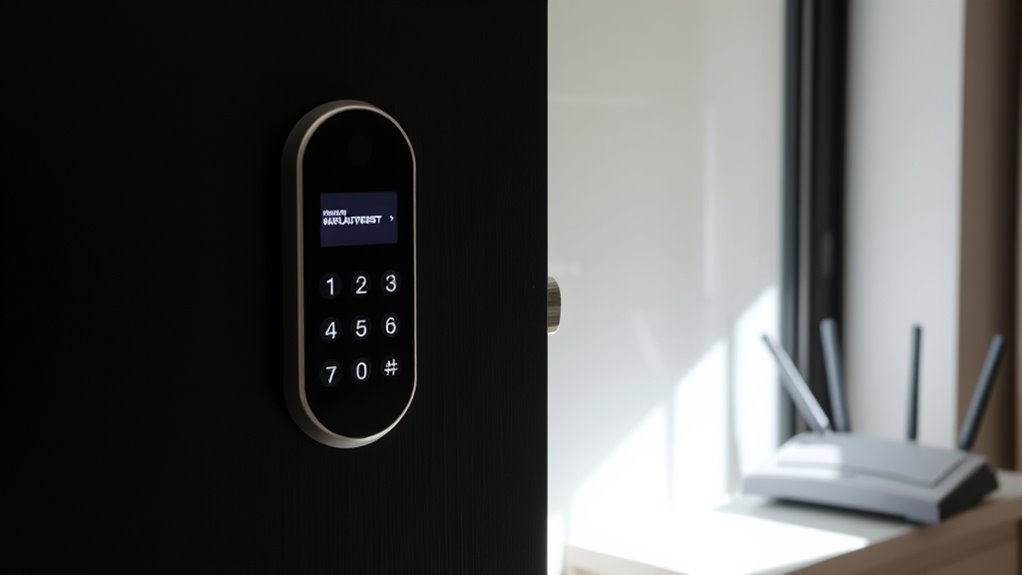
Configuring offline access for your smart lock system guarantees you can still open your door even if your internet goes down. Start by installing a reliable battery backup to ensure your device remains powered during outages. Check that your smart lock supports local control, allowing you to operate it without internet access. Keep firmware updates current; manufacturers often release updates that improve offline functionality and security. Regularly verify that your lock’s hardware components are in good condition to prevent unexpected failures. Positive customer reviews highlighting durability and performance can help identify models that are reliable during outages. Some locks offer physical keys or PIN codes as backup methods—make sure these are set up and accessible. Test the system regularly by disconnecting from the internet to verify it still functions properly. Additionally, understanding deep-sky imaging principles can help you troubleshoot technical issues with your smart lock systems, ensuring reliable operation under various conditions. Familiarizing yourself with local control features can further enhance your confidence in managing the device during connectivity issues.
What Are the Limitations and Risks of Using Smart Locks Without Internet?
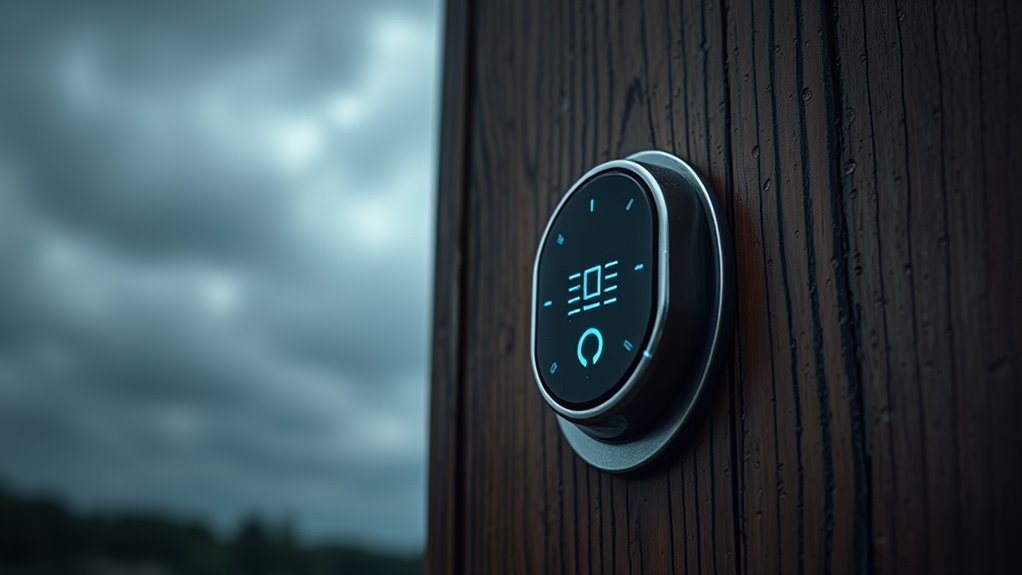
While setting up offline access guarantees your smart lock can function without internet, it also introduces certain limitations and risks. First, network stability becomes vital; if the local connection drops, you might lose remote control or monitoring. Second, firmware updates may be delayed or unavailable, leaving your lock vulnerable to security flaws or bugs. Third, without internet, your lock may lack access to real-time security alerts or remote troubleshooting. These risks highlight the importance of maintaining a reliable network and regular firmware updates when operating your smart lock offline. Without internet, you depend more on local connections, which can be less stable and harder to manage, increasing the chance of malfunction or security gaps.
How to Prepare Your Smart Lock for Internet Outages
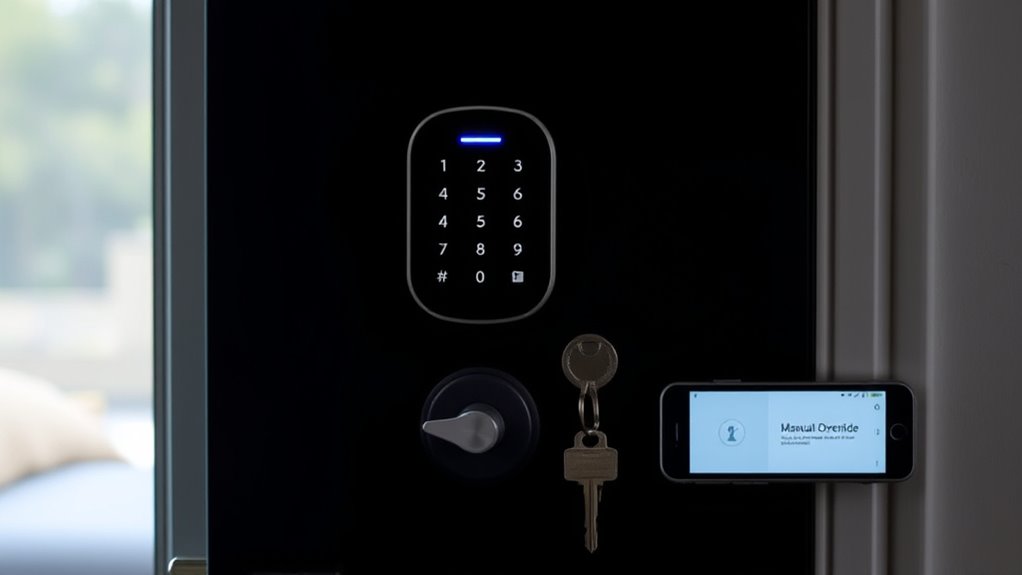
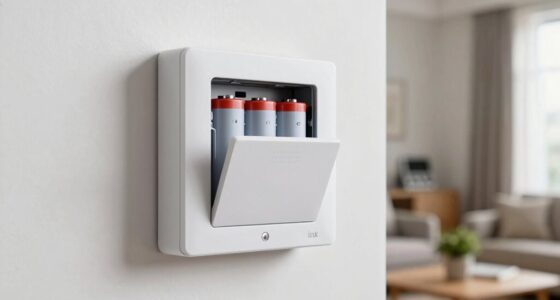
To guarantee your smart lock remains functional during internet outages, you need to take proactive steps to prepare it in advance. First, ensure your device firmware is up to date; manufacturers often release updates that improve offline capabilities. Consider installing a backup power source, like a battery pack, to handle power outages. Additionally, familiarize yourself with physical keys or alternative entry methods. Use the table below to understand key preparations:
| Step | Action | Benefit |
|---|---|---|
| Update device firmware | Regularly check for updates | Ensures offline functions are optimized |
| Backup power source | Install rechargeable batteries | Maintains operation during outages |
| Store physical keys | Keep keys in a secure, accessible spot | Provides manual entry option |
| Configure offline mode | Enable offline access if available | Keeps lock operational without internet |
| Test regularly | Conduct periodic offline operation tests | Confirms readiness for outages |
Tips for Maintaining Home Security During Internet Disruptions
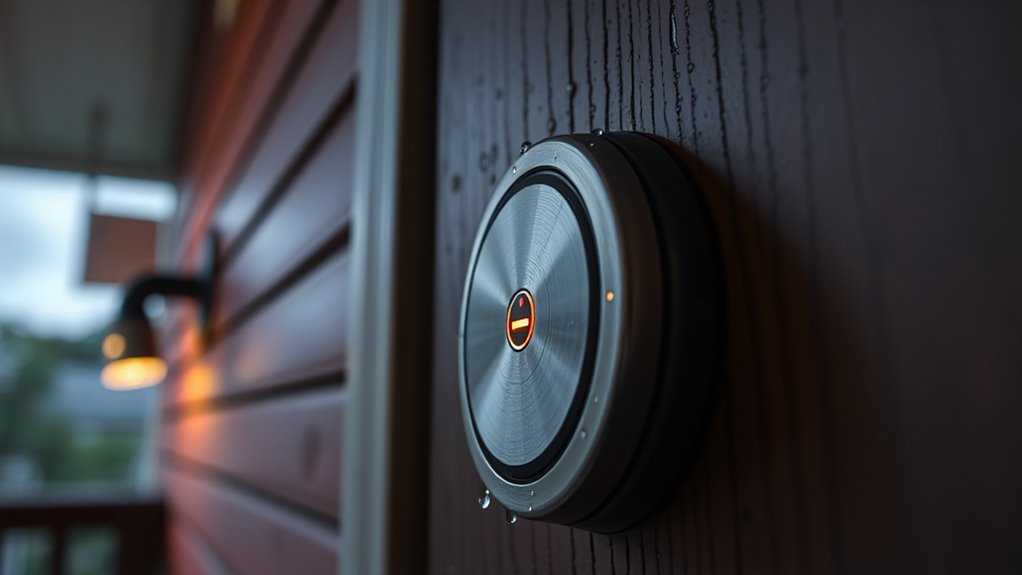
When your internet connection drops, maintaining your home security becomes even more critical. Wi Fi stability can vary, so it’s essential to have backup plans in place. Relying solely on cloud dependency during outages can leave you vulnerable. To stay secure:
- Keep physical keys or alternative access methods handy, bypassing smart locks if needed.
- Ensure your Wi Fi has a backup power source or a secondary connection to maintain stability during outages.
- Regularly test your smart lock’s offline capabilities so you know it will function without internet, reducing reliance on cloud dependency.
Common Questions About Smart Locks and Internet Failures
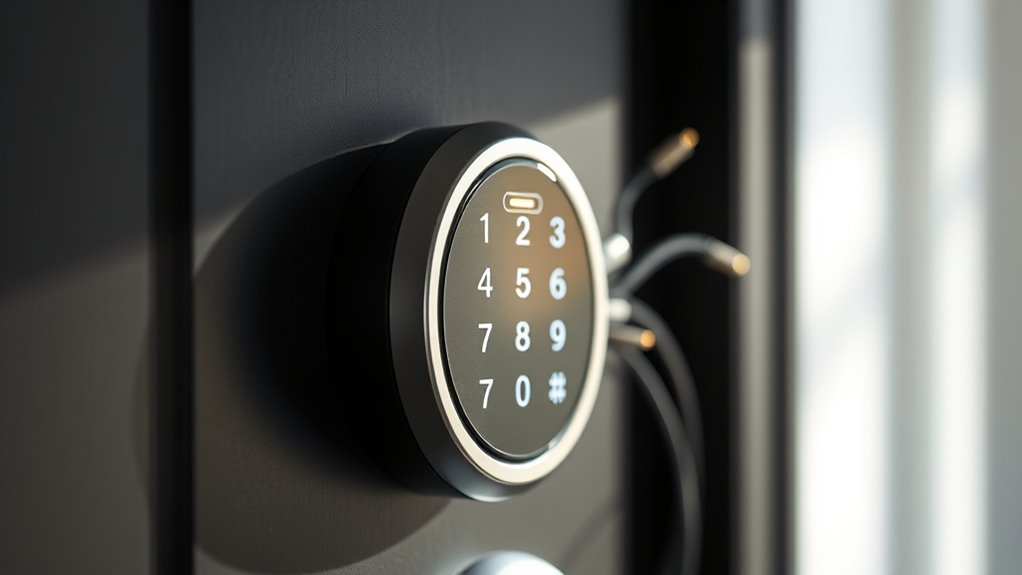
Have you ever wondered what happens to your smart lock during an internet outage? Typically, your lock relies on encryption protocols to secure your data and prevent unauthorized access, even when offline. Most smart locks are designed with local access options, like keypad codes or Bluetooth, so you can still unlock your door without internet. Firmware updates are crucial for security and functionality, but they usually require an internet connection; during outages, updates may be delayed, leaving your device vulnerable to known issues. It’s a common concern whether your smart lock will function properly when the internet is down. The good news is, many smart locks are engineered to operate safely offline, ensuring your home remains secure despite internet failures.
Frequently Asked Questions
Can I Still Lock and Unlock My Smart Lock During an Internet Outage?
Yes, you can still lock and open your smart lock during an internet outage. Most smart locks are designed with local control options, so your home automation system won’t be entirely dependent on internet connectivity. This means even if the internet goes down, you can still manage your lock via a nearby physical keypad or Bluetooth connection, ensuring your home stays secure despite internet dependency issues.
Do All Smart Locks Automatically Revert to Manual Keys When Offline?
Not all smart locks automatically revert to manual override when offline, but many do. You might find backup keys or a physical keyhole hidden for emergencies. During an outage, you could wonder if your lock will respond to your command or remain stubbornly locked. It’s wise to check your lock’s features—some automatically switch to manual mode, while others require you to use backup keys. Stay prepared for the unexpected.
How Long Can a Smart Lock Operate Without Internet Connectivity?
Your smart lock can typically operate for weeks or even months without internet, depending on its battery backup and energy efficiency. During an outage, it still functions normally for manual entry or via local Bluetooth or Wi-Fi. Firmware updates usually require internet, but the lock’s core functions stay active. Make certain your batteries are fresh to maintain operation during outages, and check for updates when the connection is restored for peak security.
Are There Any Security Risks When Using Offline Access Methods?
Using offline access methods is like locking your doors with a trusty key—generally safe, but not foolproof. The main security risks include offline hacking attempts and potential mechanical backup vulnerabilities. You might think you’re safe from digital threats, but clever thieves can exploit these offline access points. To stay secure, verify your lock has strong encryption and a reliable mechanical backup, keeping your home safe even when the internet’s down.
Will My Smart Lock Notify Me if It Loses Internet Connectivity?
Your smart lock may not notify you if it loses internet connectivity unless it has specific notification features for offline alerts. Many smart locks can send alerts when they experience connectivity issues, but this varies by model. Check your lock’s settings to enable offline alerts or notifications, so you’re immediately aware of any internet outages. This helps you stay informed and guarantees your lock’s security remains intact even during connectivity problems.
Conclusion
Remember, your smart lock is like a guardian watching over your home. When the internet fades, it’s up to you to keep the keys of security in your hands—whether through backups or offline features. Think of these measures as your shield, standing strong even in darkness. Stay prepared and vigilant, so your home’s safety remains steadfast, no matter how quiet the digital world becomes. Your peace of mind depends on it.