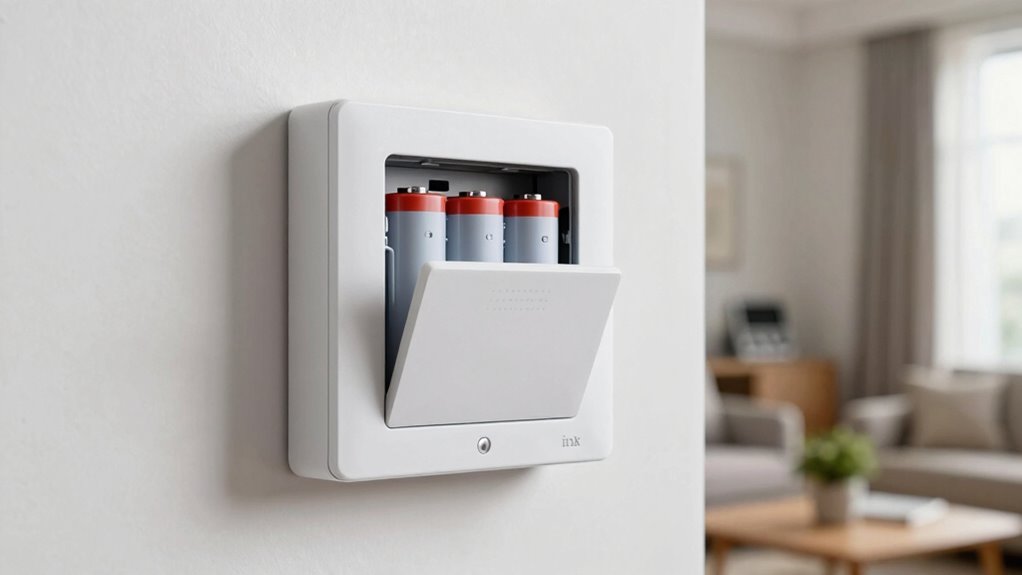

Cell backup is essential in home alarm planning because it keeps your system connected during power outages, internet failures, or tampering. It guarantees emergency services stay informed without delays, even in severe weather or grid failures. This added layer of redundancy helps prevent false alarms and ensures quick responses when you need them most. By including cell backup, you’re investing in reliable, continuous protection—discover more about how it can strengthen your home security.

Get the latest gadgets delivered free with Prime
- Fast, free delivery on millions of items
- Prime Video, Amazon Music and more included
- Member-only deals all year
Key Takeaways
- Cell backup ensures continuous communication with emergency services during power outages or internet failures.
- It provides a reliable, automatic transition when primary connections are disrupted, preventing false alarms or missed alerts.
- Maintains system operation during severe weather, grid failures, or tampering, enhancing overall home security resilience.
- Integrating cellular modules is a cost-effective, simple way to upgrade security systems without added complexity.
- Reliable cell backup is essential for modern home security, ensuring quick responses and uninterrupted protection.
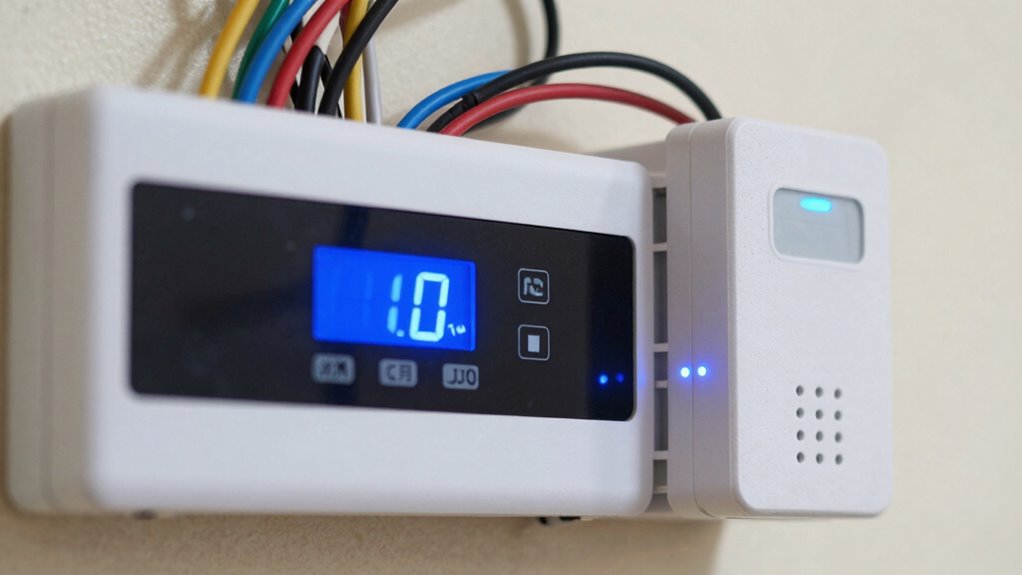
In today’s connected world, relying solely on landline or internet-based alarm systems leaves your home vulnerable to disruptions. Power outages, network failures, or even intentional tampering can disable these systems when you need them most. That’s where cell backup becomes essential, ensuring your security remains intact no matter what. Wireless technology plays a pivotal role here, providing a reliable link between your alarm system and emergency services even if your primary communication channels fail. By integrating cell backup, you add a vital layer of redundancy, which is a key component of effective emergency preparedness.
Cell backup ensures your home stays protected during outages and tampering, maintaining reliable communication with emergency services.
When your main internet or landline connection drops, a cell backup kicks in automatically, maintaining communication with monitoring centers. This seamless transition is crucial because it prevents interruptions that could delay responses to emergencies like break-ins, fires, or medical incidents. You won’t have to worry about false alarms or missed alerts because your system remains connected through cellular signals. It’s a simple yet powerful upgrade that boosts your home’s resilience against unforeseen disruptions. Cell backup technology ensures your system stays operational under various circumstances, adding an extra safeguard.
Emergency preparedness isn’t just about having alarms; it’s about ensuring those alarms work when they need to. Cell backup provides peace of mind, knowing that your home remains protected even if traditional communication methods are compromised. This is especially important during severe weather events, power outages, or grid failures, which are often when your system’s primary connection might fail. With wireless technology embedded in your alarm setup, you get a flexible, reliable solution that adapts to different situations and keeps vital communication lines open. Recognizing the importance of reliable communication is crucial in designing an effective security system. Additionally, the integration of wireless technology enhances the overall adaptability and resilience of your security system in diverse scenarios.
Many modern home security systems now incorporate cellular modules, making it easier for you to stay connected without extra hassle. Adding cell backup isn’t just about security; it’s about smart, proactive planning. You’re investing in a system that can handle various challenges and keep your family safe without interruption. While some might see it as an added expense, the cost pales in comparison to the potential consequences of losing communication during a critical event. The peace of mind that comes with knowing your alarm system can’t be easily disabled or bypassed gives you confidence in your emergency preparedness strategy.
Ultimately, cell backup isn’t just an optional feature—it’s a necessity in today’s interconnected environment. Wireless technology ensures continuous protection and quick response times. It’s an investment that guarantees your home’s safety is resilient against modern threats and disruptions, keeping you and your loved ones secure no matter what happens. Recognizing the significance of emergency communication can make all the difference in your home security plan.
Products Worth Considering

Bose QuietComfort Headphones (2nd Gen), Wireless Over-Ear Noise-Cancelling Headphones, Black

Bose QuietComfort Ultra Earbuds (2nd Gen), Wireless Noise-Cancelling Earbuds, Black

Bose QuietComfort Wireless Noise Cancelling Headphones, Black
As an affiliate, we earn on qualifying purchases.
Frequently Asked Questions
How Does Cell Backup Improve Overall Home Security?
Cell backup improves your overall home security by ensuring your alarm system stays connected even if your main internet or landline fails. When your cell signal is active, it provides a reliable communication channel, boosting security reliability. You won’t have to worry about false alarms or missed alerts during power outages or internet disruptions. This continuous connectivity helps keep your home safer, giving you peace of mind at all times.
What Are the Costs Associated With Adding Cell Backup?
Adding cell backup costs typically range from $10 to $50 per month, depending on your provider and plan. A thorough cost analysis considers installation requirements, like whether you need new equipment or a dedicated cellular module. Some systems include the backup feature in their package, while others charge extra. Be sure to evaluate ongoing monthly fees and upfront installation costs to confirm it fits your budget and security needs.
Can Cell Backup Be Integrated With Existing Alarm Systems?
Yes, you can integrate cell backup with your existing alarm system. Imagine wireless connectivity seamlessly linking your current setup to cellular backup, ensuring continuous protection even if power or internet fails. Keep in mind, battery degradation over time can affect backup reliability, so regular maintenance is essential. With proper integration, your alarm system stays connected, providing peace of mind during outages without needing a complete overhaul.
What Are Common Technical Issues With Cell Backup Systems?
Common technical issues with cell backup systems include wireless interference, which can disrupt signal transmission, and lack of signal redundancy, leaving your system vulnerable if one network fails. You might experience dropped alerts or delayed notifications. To guarantee reliability, regularly check your backup system’s connection, avoid interference sources, and consider systems with built-in redundancy features. This way, your alarm system remains active even if primary networks experience issues.
How Long Does Cell Backup Typically Last During an Outage?
During an outage, your cell backup typically lasts between 12 to 24 hours, giving you peace of mind. Battery longevity plays a key role, ensuring your system stays active when needed most. Signal reliability remains consistent, so your alarm stays connected. To maximize backup duration, consider periodically testing your system and replacing batteries as recommended. This way, you enjoy continuous protection, even when the power’s taking an unexpected break.
Conclusion
So, as you plan your home alarm system, remember—cell backup isn’t just a feature; it’s your safeguard against the unexpected. What if your internet or landline fails right when you need protection most? Don’t leave that chance to fate. Keep that cell backup in place, and stay one step ahead of potential threats. Because in security, a little extra backup could make all the difference when it counts the most.