Motion detection zones let you specify areas where your camera watches for activity, helping reduce false alarms. Poor placement, environmental factors like shadows, trees, or changing light can trigger unwanted alerts. To improve accuracy, adjust zone size, shape, and sensitivity, and consider environmental conditions. Regular tweaks and proper setup are key to minimizing false alerts. Keep exploring for detailed tips to optimize your motion detection zones and keep false alarms at bay.
Key Takeaways
- Properly configured detection zones focus on critical areas, reducing false alerts from irrelevant motion like trees or passing vehicles.
- Adjusting zone size, shape, and sensitivity helps balance detecting genuine activity while minimizing false triggers.
- Environmental factors such as shadows, lighting changes, and weather can cause false alerts if zones are not optimized.
- Regularly reviewing and updating detection zones ensures they remain aligned with current surroundings and activity patterns.
- Strategic placement and shielding of cameras can prevent environmental disturbances from triggering unnecessary alerts.
What Are Motion Detection Zones and How Do They Work?

Motion detection zones are specific areas within your camera’s view where the device actively monitors for movement. These camera zones allow you to customize which parts of the scene trigger alerts, helping reduce false alarms. When motion detection is enabled, the camera focuses only on the designated zones, ignoring motion outside them. This targeted approach guarantees you’re alerted only when something important happens in the areas you care about. You can usually set these camera zones during setup or through the app, adjusting their size and position. By defining motion detection zones, you improve the camera’s efficiency and accuracy, preventing unnecessary alerts from irrelevant movement. Understanding camera capabilities further enhances your ability to tailor the system to your security needs. Overall, camera zones give you more control over how your security system responds to activity. Navigation and mapping features in some cameras further enhance detection precision by enabling the device to understand the layout of your space.
Why Do False Alerts Happen in Motion Detection Zones?

Even with carefully set motion detection zones, false alerts can still occur. Poor lighting conditions often cause sensors to misinterpret shadows, moving leaves, or reflections as activity. Sudden changes in light, like headlights or sunlight, can trigger alerts unexpectedly. Additionally, camera placement plays a vital role; if your camera is positioned too close to trees, windows, or reflective surfaces, it may pick up irrelevant movements. Inadequate placement can also cause motion zones to include areas prone to environmental disturbances. These factors combine to make your system overly sensitive, resulting in false alerts. Environmental factors and proper setup are essential for effective motion detection. Proper camera configuration and advanced sensor technology can further reduce false alarms. To minimize these issues, consider adjusting your camera’s position and ensuring consistent lighting around the detection zone. Proper positioning and lighting awareness are key to reducing false alarms. Additionally, using calibration tools can help fine-tune the sensor sensitivity for more accurate detection. Regular system maintenance also ensures that sensors and cameras operate optimally, reducing the likelihood of false alerts. Incorporating environmental sensors can help your system differentiate between true motion and environmental noise.
How to Properly Set Up Your Motion Detection Zones for Accuracy

To guarantee your motion detection is accurate, start by mapping out the most critical areas you want to monitor. Next, adjust the sensitivity settings so the system responds appropriately without false alarms. Additionally, understanding the net worth of individuals involved in the process can help you better assess the importance of each zone. Recognizing the importance of trustworthy information about your system’s capabilities can help you make better decisions. Reviewing the support options available can ensure you have assistance if issues arise. For optimal results, consider precious metal investment options to diversify your assets and enhance your financial security. Being aware of the wealth accumulation of key figures can also provide insights into effective security practices. Finally, test your setup to confirm it detects motion reliably and only in the right zones.
Map Out Critical Areas
Properly mapping out your critical areas is essential for accurate motion detection. You want to focus on zones where motion is most relevant, avoiding unnecessary areas that could trigger false alerts. To do this, analyze common motion patterns in your environment and identify high-traffic spots or sensitive zones. When setting up detection zones, consider how detection algorithms interpret movement—some algorithms are better at filtering out background motion. By precisely outlining these areas, you help your system distinguish between harmless motion and genuine activity. Additionally, understanding the security zone info can help you optimize zone placement effectively. Avoid overlapping zones or including areas with constant movement, like trees swaying or busy streets. Clear, well-defined zones ensure your system responds only to meaningful motion, reducing false alarms and improving overall security.
Adjust Sensitivity Settings
Adjusting the sensitivity settings of your motion detection system is crucial for balancing responsiveness and minimizing false alerts. If sensitivity is too high, your system may trigger false alarms from passing shadows or small animals. Too low, and it might miss genuine activity. When using thermal imaging or night vision, fine-tune sensitivity to account for temperature fluctuations and low-light conditions. These features can detect heat signatures or movement in darkness, but overly sensitive settings could pick up irrelevant heat sources or reflections. Start by setting a moderate level, then adjust based on your environment. Regularly review alerts to ensure accurate detection. Proper calibration of your system’s sensitivity helps your system distinguish between real threats and harmless motion, enhancing security without overwhelming you with false alarms. Additionally, understanding how different sensor types respond to various stimuli can improve your setup and reduce unnecessary alerts. To further refine accuracy, consider the environmental factors that may influence sensor performance and adjust settings accordingly.
Test Detection Accuracy
Testing your detection accuracy is essential to guarantee your motion detection zones are set up correctly. You want your motion sensor to detect genuine threats without false alarms. To do this, run tests by moving through different zones and observing the detection algorithm’s response. Adjust the zones accordingly to ensure only relevant activity triggers alerts. Use this simple table to evaluate performance:
| Zone | Detected? | Notes |
|---|---|---|
| Zone 1 | Yes/No | False alarm? |
| Zone 2 | Yes/No | Missed detection |
| Zone 3 | Yes/No | Proper detection |
Additionally, regularly reviewing your detection zones helps maintain everyday safety by reducing unnecessary alerts and ensuring you’re alerted only when it truly matters. Understanding detection zones and how they affect your device’s accuracy is crucial for reliable performance.
How to Adjust Zone Size and Shape to Minimize False Alarms

You can reduce false alarms by resizing your zone boundaries so they focus on key areas. Customizing the shape settings helps exclude objects or movements that trigger unnecessary alerts. Adjusting these features guarantees your system detects genuine activity without too many false notifications. Incorporating knowledge about air purifier maintenance can also help you prioritize areas to monitor, ensuring your detection zones are both efficient and effective. Regularly reviewing and updating your detection zones based on user activity patterns can further enhance accuracy and reduce false alerts. Additionally, understanding the local environment where your system is installed can help tailor the zones to minimize false triggers caused by changing conditions. Being aware of air quality factors in your surroundings allows for better zone adjustments aligned with environmental changes.
Resize Zone Boundaries
Modifying the size and shape of your motion detection zones can substantially reduce false alerts. To do this, carefully resize the zone boundary so it covers only the necessary motion area. If the zone boundary is too broad, it might include irrelevant movement, causing false alarms. Narrowing or reshaping the zone ensures it targets specific areas where motion genuinely matters. Use your camera’s settings to drag or adjust the zone boundary, shrinking or shifting it as needed. Focus on excluding areas with frequent, non-threatening movement, like trees or passing cars. Remember, precise boundaries help your system ignore unwanted motion, reducing false alerts while keeping you protected. Regularly review and tweak these boundaries to maintain ideal accuracy over time.
Customize Shape Settings
Adjusting the shape of your motion detection zones allows you to target specific areas more effectively and reduce false alerts. With shape customization, you can modify the zone configuration to match the environment precisely. Start by selecting the zone shape tool in your camera’s settings, then drag or resize the zone to cover only relevant areas, such as entrances or pathways. Avoid including irrelevant regions like trees or passing cars that may trigger false alarms. Fine-tuning the zone shape ensures your camera focuses on desired activity, minimizing unnecessary alerts. Proper zone configuration through shape customization enhances your security system’s accuracy, making sure it detects genuine motion while ignoring harmless movements. This targeted approach helps you stay alert to real threats without constant false alarms.
How to Use Motion Sensitivity Settings for Better Detection
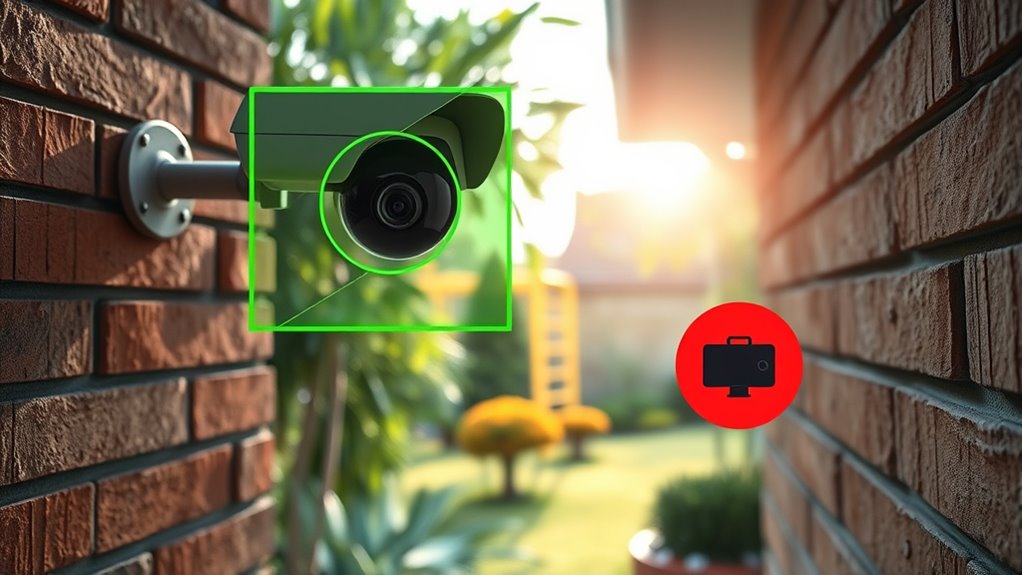
Optimizing motion sensitivity settings can considerably improve your security system’s ability to detect genuine activity while minimizing false alerts. Start by adjusting the sensitivity level so it’s high enough to catch important movements but not so sensitive that minor fluctuations trigger alerts. Lower the sensitivity if you notice frequent false alerts caused by small animals or leaves. Conversely, increase it if you’re missing critical activity. Test different settings during various times of the day to find the right balance. Keep in mind that proper sensitivity adjustment helps with false alert reduction without sacrificing detection accuracy. Regularly review your system’s performance and fine-tune the sensitivity to match your environment’s activity level. This approach ensures you’re alerted to real threats, not false alarms. Additionally, understanding statistics fundamentals can help interpret your system’s performance metrics and optimize settings effectively. Being aware of motion detection zones and configuring them appropriately can further enhance detection accuracy by focusing on critical areas while ignoring less important regions. Adjusting sensitivity levels in conjunction with zone settings provides a comprehensive way to reduce false positives while maintaining reliable detection.
Environmental Factors That Cause False Alerts: And How to Fix Them

Environmental factors like moving shadows, fluctuating light levels, and weather conditions often trigger false alerts on your security system. Poor lighting conditions, especially during dawn, dusk, or overcast days, can cause sensors to misinterpret shadows or reflections as motion. Weather interference, such as rain, snow, or wind-blown debris, can also activate motion zones unnecessarily. To fix these issues, adjust your camera’s sensitivity settings to reduce false triggers caused by subtle lighting changes. Cover or reposition cameras away from direct sunlight or reflective surfaces that create inconsistent lighting conditions. Additionally, consider installing shields or enclosures to block weather interference, and schedule alerts to be more tolerant during known adverse weather. These steps help ensure your system responds only to genuine movement.
Troubleshooting False Alerts: When and How to Reconfigure Zones

When false alerts persist despite previous adjustments, reconfiguring your motion detection zones can help pinpoint the problem areas. Start with motion detection calibration to ensure your camera accurately detects movement without overreacting. Zone customization allows you to fine-tune sensitive areas, blocking out regions prone to false triggers like trees or passing cars. Adjust the size and position of your zones to focus detection on key areas while excluding irrelevant motion. Regularly review your settings after each change to observe how the system responds. If certain zones continue causing false alerts, consider further refining or disabling them. Proper zone reconfiguration helps your system distinguish genuine activity from false triggers, reducing unnecessary alerts and improving overall reliability.
Advanced Tools and Settings to Reduce False Alarms

To effectively reduce false alarms, you should leverage advanced tools and settings built into your security system. Many systems allow you to customize your motion sensor’s sensitivity, which helps prevent minor movements from triggering alerts unnecessarily. Adjusting alert frequency settings also helps, so you’re not overwhelmed with notifications for every little movement. Some systems include zoning options, enabling you to focus the motion sensor on high-priority areas and exclude zones prone to false triggers, like busy streets or trees swaying. Additionally, you can enable smart detection features that differentiate between humans, animals, and objects. By fine-tuning these advanced tools and settings, you minimize false alarms, ensure relevant alerts, and maintain a balance between security and convenience.
Maintaining Accurate Motion Detection Over Time
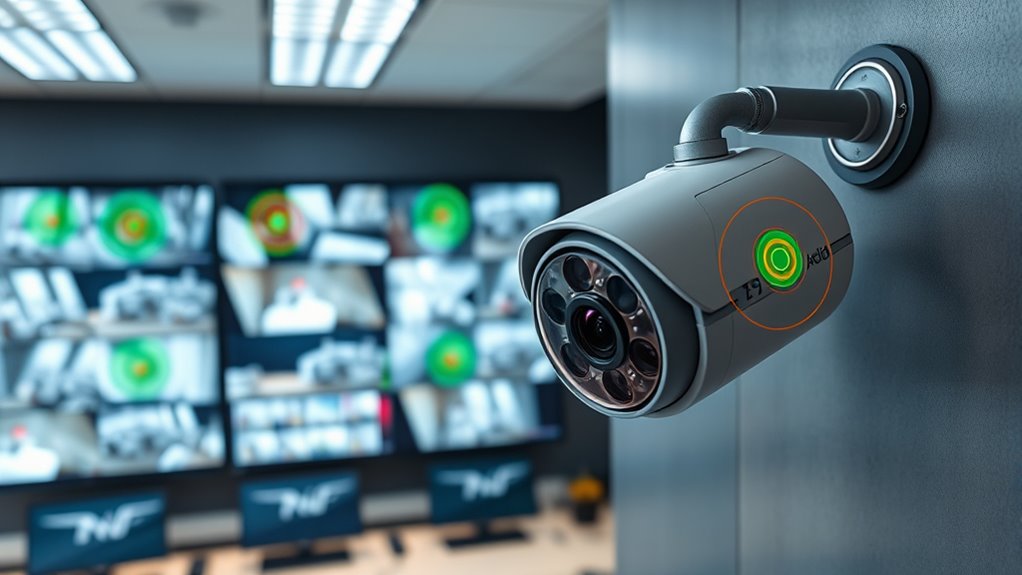
Regularly reviewing and adjusting your motion detection settings helps keep your system accurate over time. Lighting conditions can change throughout the day or seasons, impacting how your camera detects motion. To maintain reliability, you should periodically test and calibrate your system to account for these variations. Proper camera placement is also vital; make certain your cameras are positioned to minimize glare, shadows, and obstructions that could cause false alerts. Keep the lens clean and free of dirt or debris, as this can affect detection accuracy. Adjust sensitivity settings when necessary to avoid missing genuine motion or generating false alarms. By staying proactive with these adjustments, you’ll guarantee your motion detection remains precise and effective, providing you with reliable security over the long term.
Frequently Asked Questions
Can I Customize Motion Detection Zones for Different Times of Day?
Yes, you can customize motion detection zones for different times of day. Many security cameras offer time-based zones, allowing you to set specific zone customization for morning, afternoon, or night. This way, you can reduce false alerts by focusing on critical areas during certain times. Simply access your camera’s settings, select the zone customization feature, and configure the zones according to your schedule for ideal security and fewer false alarms.
Do Different Camera Brands Have Unique Zone Setup Features?
Yes, different camera brands offer unique zone setup features, reflecting their camera compatibility and zone flexibility. Some brands provide more detailed customization options, allowing you to precisely define motion detection zones, while others might have simpler, preset zones. When choosing a camera, consider how flexible the zone setup is and whether it suits your specific needs for motion detection, ensuring you get the right balance of control and ease of use.
How Does Weather Impact the Effectiveness of Motion Detection Zones?
Weather interference can considerably impact the effectiveness of your motion detection zones. Rain, snow, fog, and wind may trigger false alerts or cause missed detections. To maintain accuracy, you should make seasonal adjustments to your camera’s settings, such as increasing sensitivity during winter or reducing it in heavy rain. Regularly inspecting and cleaning your camera lens also helps guarantee peak performance despite changing weather conditions.
Are There Privacy Concerns Related to Zone Configuration?
They say “a picture is worth a thousand words,” but with zone exposure, you risk privacy concerns. You might unintentionally expose sensitive areas, increasing privacy risks for you and others. Properly configuring zones helps protect your privacy by limiting what the camera monitors. Always review your zone settings carefully to avoid unnecessary exposure. Remember, safeguarding your privacy is just as important as security, so take control of your zone configuration.
What’s the Best Way to Test if My Zones Are Properly Set?
To test if your zones are properly set, perform zone calibration by adjusting the zones to cover only desired areas. Then, conduct false alert testing by moving around different zones to see if alerts trigger accurately. Watch for false alerts caused by irrelevant motion. Fine-tune the zones based on these tests, ensuring they detect genuine motion while minimizing false alarms. Regular testing keeps your system reliable and well-calibrated.
Conclusion
To keep your motion detection working smoothly, it’s crucial to fine-tune your zones and settings regularly. Don’t let false alerts get under your skin—stay proactive and adjust as needed. Remember, a little effort now saves a lot of headaches later. By understanding how zones work and troubleshooting wisely, you’ll stay one step ahead. With patience, you’ll have your system running like clockwork, proving that sometimes, the best offense is a good defense.