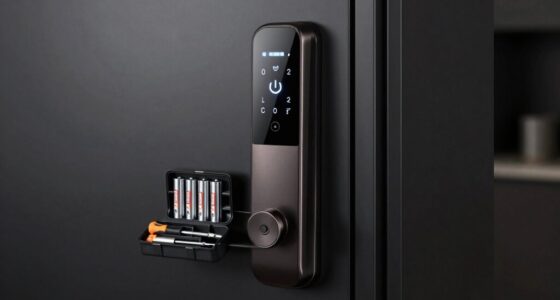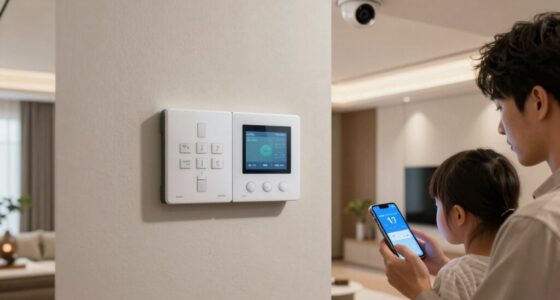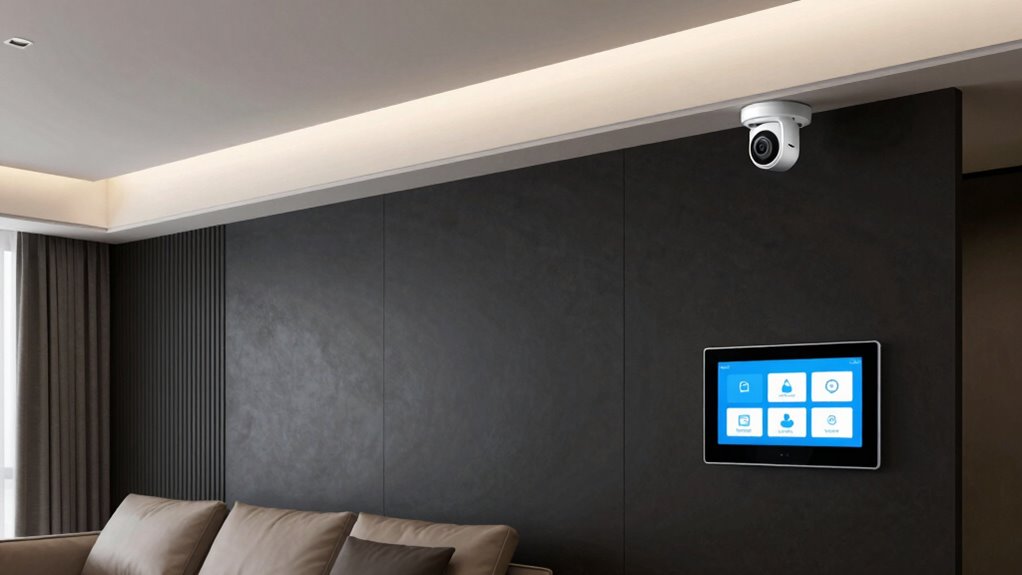
To design a simple home security setup without overcomplicating it, start by identifying what matters most — whether it’s deterring intruders, monitoring specific areas, or protecting valuable items. Begin with essential devices like easy-to-use cameras and door/window sensors, placing them strategically for maximum coverage. Choose reliable, user-friendly equipment that fits your lifestyle, and plan for future expansion. Focus on simplicity in management and maintenance—staying organized and testing regularly guarantees your system remains effective. Keep it straightforward and scalable as you go, so you’ll always stay protected—if you keep exploring, you’ll discover how to make it even easier.
Key Takeaways
- Start with essential, user-friendly devices like basic cameras and door/window sensors for straightforward monitoring.
- Focus on strategic placement to cover high-traffic areas and entry points, reducing unnecessary sensors.
- Choose modular, wireless systems that allow easy expansion without adding complexity.
- Keep management simple with intuitive apps, regular maintenance, and software updates for reliable operation.
- Prioritize trusted brands and integrate devices gradually to avoid overwhelming system setup and troubleshooting.
Figure Out What Matters Most: Setting Your Home Security Goals
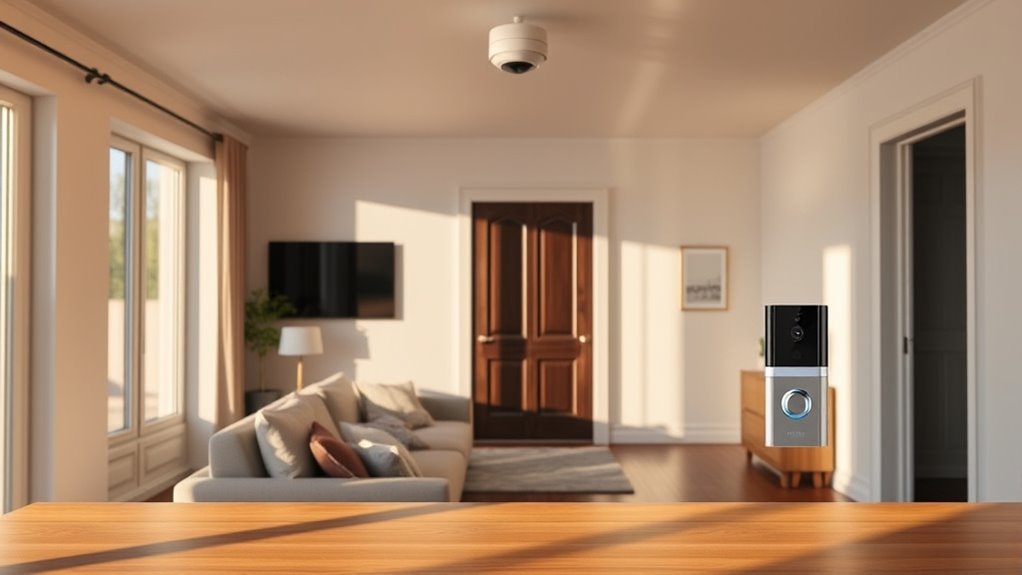
Before you choose specific security devices, it’s essential to determine what matters most to you. Your home security goals should align with your privacy concerns and budget considerations. If privacy is a top priority, focus on devices that protect your personal space without revealing too much, like secure locks or discreet cameras. Conversely, if budget is a concern, prioritize cost-effective solutions that provide essential protection without overspending. Clarifying your main concerns helps you avoid unnecessary gadgets and simplifies decision-making. Think about whether you want to deter intruders, monitor activity, or safeguard specific areas. By identifying these priorities upfront, you can create a targeted security plan that balances your privacy needs with your financial limits, setting a clear foundation for your home security setup. Additionally, understanding the concept of free floating security options can help you maintain flexibility and simplicity in your overall system design, especially when integrating various power tools and equipment for installation or maintenance tasks. Incorporating modular security systems can further enhance adaptability, allowing you to upgrade or reconfigure your setup as your needs evolve. Recognizing security system scalability can also help you plan for future expansion without overcomplicating your setup, which is especially useful when considering support breakfast options that complement your lifestyle and security routine.
Start Small: Essential Security Devices to Begin With
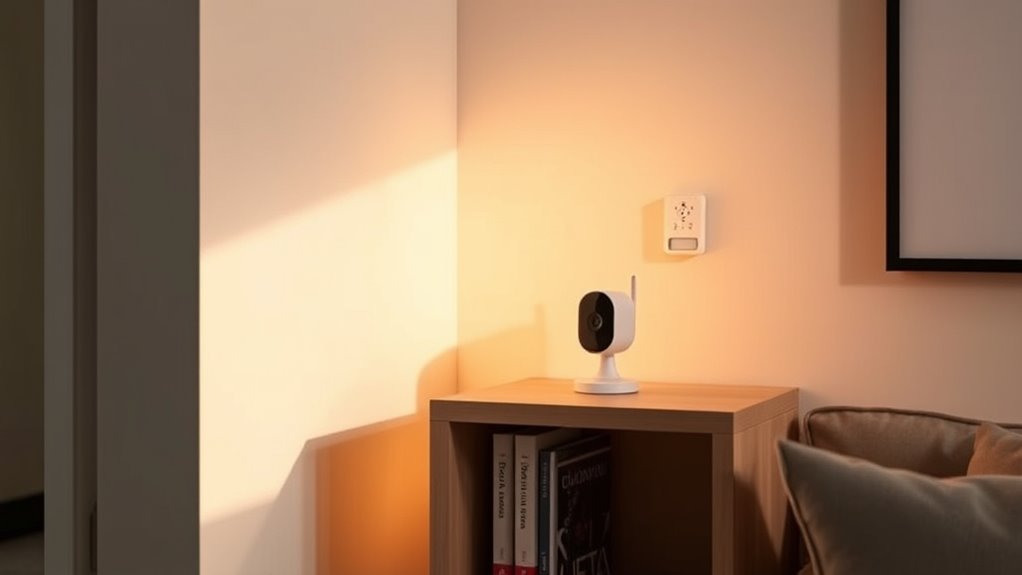
Starting with essential security devices is a great way to build a solid foundation for your home protection. Consider installing security cameras to monitor key areas and a basic alarm system to alert you of any intrusions. These simple steps make your home safer without overwhelming your budget or setup efforts. Additionally, understanding Rhythm Failure can help you appreciate the importance of reliable systems and smooth operation in your security setup. Choosing systems with customer reviews highlighting effectiveness and support can further ensure your setup remains dependable over time. Incorporating system maintenance routines, such as regular testing and updates, can prolong the lifespan of your security devices and prevent potential failures. Paying attention to system reliability can help you prevent unexpected breakdowns and ensure consistent protection. Regularly reviewing your security setup and adjusting it as needed can also help maintain system performance and adapt to any changes in your home environment.
Essential Security Cameras
Have you considered how a simple security camera can instantly boost your home’s safety? A wireless camera is an easy, flexible way to monitor your property without complicated wiring. For outdoor monitoring, choose a weatherproof camera that covers entry points like front doors, backyards, or driveways. These cameras often come with motion detection, alerting you to activity in real-time. Setting up a wireless camera is straightforward—you can position it where you need coverage and connect it to your Wi-Fi network. This initial step helps you keep an eye on your home without overcomplicating your security system. Plus, many models allow remote viewing from your phone, giving you peace of mind whether you’re home or away. Leveraging European cloud solutions can also enhance the security and reliability of your camera footage by ensuring data protection and fast access.
Basic Alarm Systems
Wondering where to begin with home security? Start with a basic alarm system. A wireless alarm is a simple, flexible option that’s easy to install and expand over time. It connects without wires, making setup quick and less invasive. If you prefer a more permanent solution, wired security systems offer reliability and fewer false alarms, although installation can be more involved. Both types typically include door and window sensors that alert you when someone enters or exits your home unexpectedly. These alarms can be integrated with your smartphone for instant notifications. By starting with a basic alarm system, you create a foundational layer of security, giving you peace of mind without overcomplicating your setup. You can always add more devices later as needed. Additionally, understanding projector image quality can help you optimize your home entertainment setup for a more immersive experience.
Pick Easy-to-Use Security Tech That Fits Your Lifestyle
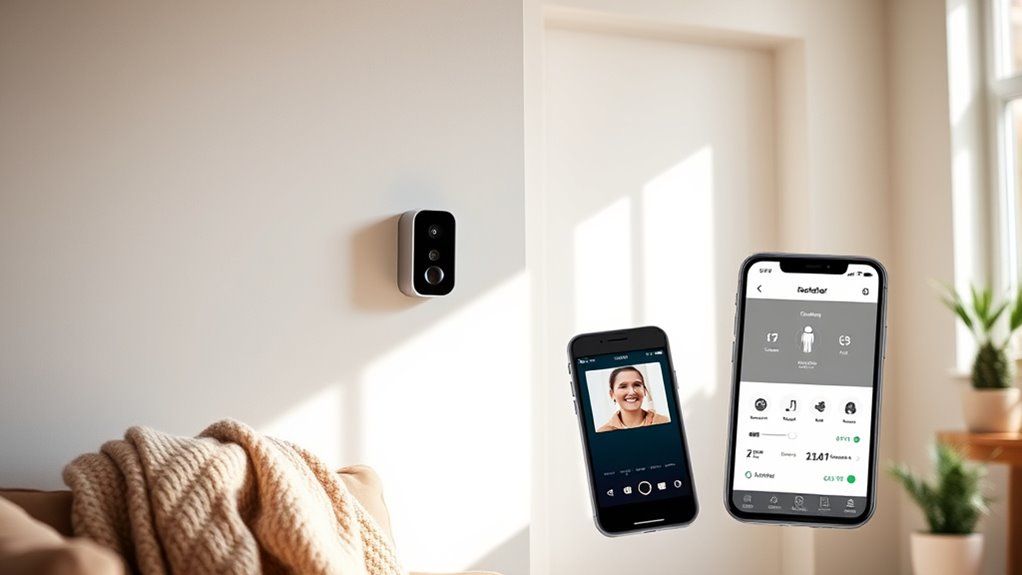
Choosing security technology that’s easy to use and suits your lifestyle makes protecting your home less stressful. Opt for smart home devices with seamless tech integration, so everything works together smoothly. Look for systems with user-friendly apps that let you monitor and control your security easily, whether you’re at home or away. If you prefer voice commands, choose smart assistants that integrate with your security setup. Consider your daily routines—if you’re tech-savvy, advanced features might appeal, but if you want simplicity, stick to straightforward solutions. The key is finding devices that fit your comfort level and lifestyle, so you stay confident in managing your home’s security without feeling overwhelmed. Ease of use encourages consistent engagement and peace of mind. Incorporating connected home fitness technology principles can also help ensure your security setup remains intuitive and integrated into your overall wellness-focused lifestyle. Additionally, selecting devices with simple user interfaces can further enhance your confidence in managing the system effectively. Creating a user-friendly security environment with integrated smart devices helps reduce stress and ensures ongoing peace of mind. For example, utilizing AI-powered alerts can help you respond quickly without constant monitoring.
Place Cameras and Sensors Strategically for Better Coverage
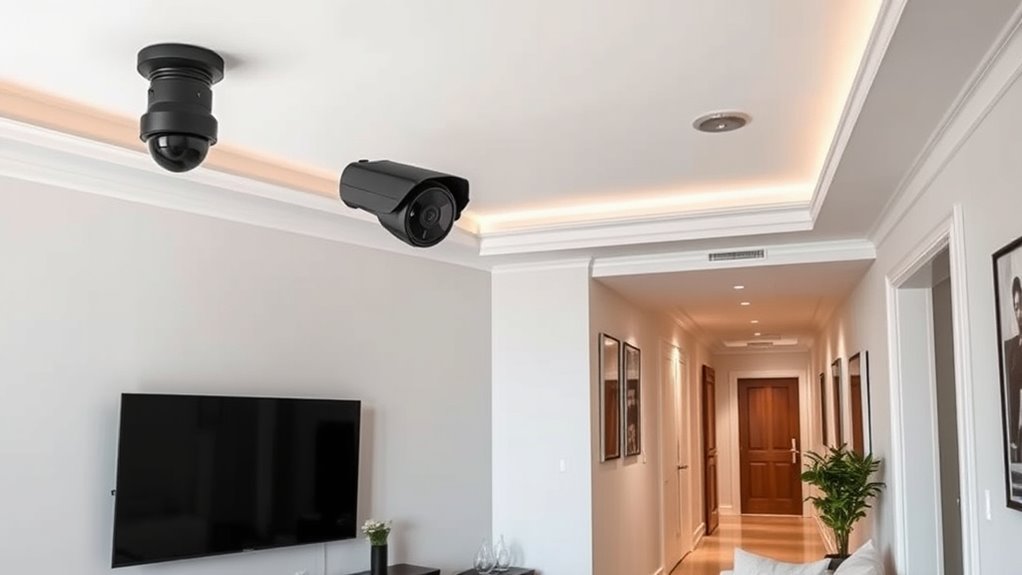
Strategically placing cameras and sensors guarantees you get the best coverage and detection around your home. Proper camera placement ensures essential entry points are monitored, while sensor positioning covers blind spots and high-traffic areas. To optimize, consider this table:
| Location | Camera Placement | Sensor Positioning |
|---|---|---|
| Front door | Eye-level, angled towards entry | Near door, at waist height |
| Back yard | Overlooking backyard, avoiding glare | Covering patio or garage |
| Windows | Side windows, angled inward | Near potential entry points |
| Driveway | Wide-angle camera, mounted high | Near driveway exit/entry |
| Hallways/Corridors | Mounted at eye level, facing main paths | Along hallways for coverage |
Focus on high-traffic zones and entry points to maximize security without overcomplicating your setup. Additionally, understanding filtration and sensor technology can enhance your system’s effectiveness. Incorporating sensor calibration can further improve detection accuracy, ensuring your system responds appropriately to different situations. Moreover, selecting sensors with adjustable sensitivity allows for customization based on your specific environment and potential false alarms. Implementing proper placement techniques can significantly reduce false triggers and improve overall system reliability. Paying attention to lighting conditions can also help optimize camera and sensor performance, especially in darker areas.
Keep Your Security System Simple to Manage and Maintain
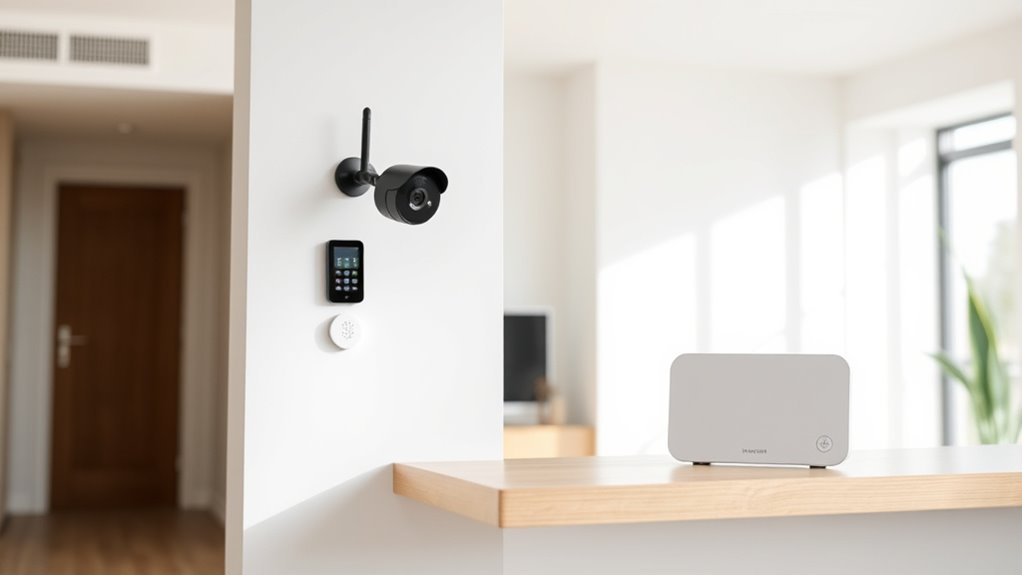
To keep your security system easy to manage, choose devices that are straightforward and reliable. Use interfaces that are simple to navigate so you can quickly check or adjust settings. Regularly schedule system checks to guarantee everything stays in top shape without adding unnecessary hassle. Additionally, understanding the fundamentals of security systems can help you make informed decisions and ensure your setup remains effective and user-friendly. Being aware of user-friendly design principles can also aid in selecting equipment that minimizes confusion and maximizes ease of use. Familiarity with electrical safety practices can further prevent potential issues and keep your system running smoothly. Incorporating simple installation techniques can further streamline setup and ongoing maintenance.
Simplify Device Selection
Simplifying your device selection makes managing and maintaining your security system much easier. To do this effectively, consider focusing on a few key factors. First, stick to devices within your budget constraints to avoid overspending and ensure affordability. Second, prioritize brands with a solid reputation for reliability and quality, reducing the risk of malfunctions or compatibility issues. Third, choose versatile devices that serve multiple functions, such as combined doorbell cameras and alarms. This approach minimizes the number of devices you need to manage and simplifies troubleshooting. By keeping your device choices straightforward and aligned with your budget and trusted brands, you’ll create a security system that’s easier to operate and maintain, giving you peace of mind without unnecessary complexity.
Use User-Friendly Interfaces
Choosing devices with user-friendly interfaces can make managing your home security system much easier. Opt for systems with intuitive controls that let you arm, disarm, and monitor effortlessly. These interfaces reduce confusion and help you respond quickly when needed. Look for simple navigation, clear icons, and straightforward menus.
| Feature | Benefit |
|---|---|
| Touchscreen Displays | Easy to operate and customize settings |
| Mobile App | Manage your system remotely |
| Voice Control | Hands-free operation |
Using intuitive controls ensures you won’t get overwhelmed, keeping your setup simple and accessible. Prioritize user friendly interfaces to maintain peace of mind and simplify ongoing management of your security system.
Schedule Regular System Checks
Scheduling regular system checks is essential for keeping your home security simple to manage and maintain. This involves performing a security audit to identify potential issues before they escalate. To stay on track, create a maintenance schedule that includes:
- Checking sensor batteries and replacing them if needed.
- Testing alarms, cameras, and locks to ensure proper operation.
- Reviewing system logs or alerts for any irregular activity.
Design a Flexible System That Can Grow With Your Needs
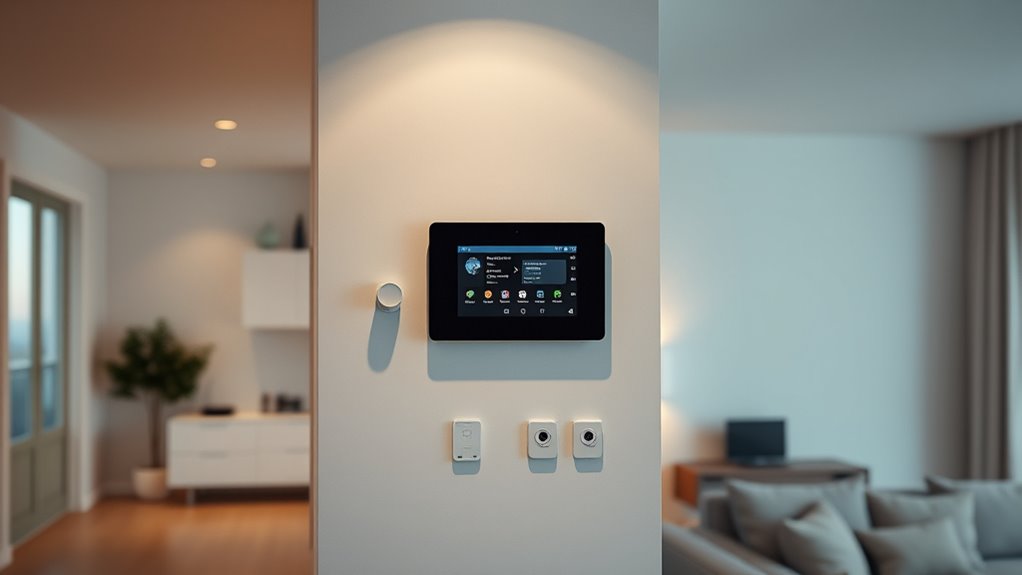
To guarantee your home security system can adapt to changing needs, designing it with flexibility in mind is essential. Focus on modular expansion, allowing you to add or upgrade components without overhauling the entire setup. This approach makes future proofing considerations straightforward, so your system remains effective as your household evolves. Choose a platform that supports easy integration of new devices, such as cameras, sensors, or smart locks, with minimal hassle. Keep wiring simple and wireless options available to reduce complexity and cost. By planning for growth upfront, you avoid unnecessary expenses later. A flexible system ensures your home stays protected, no matter how your needs change over time, without sacrificing simplicity or reliability.
Test and Tweak Your Setup to Keep It Reliable
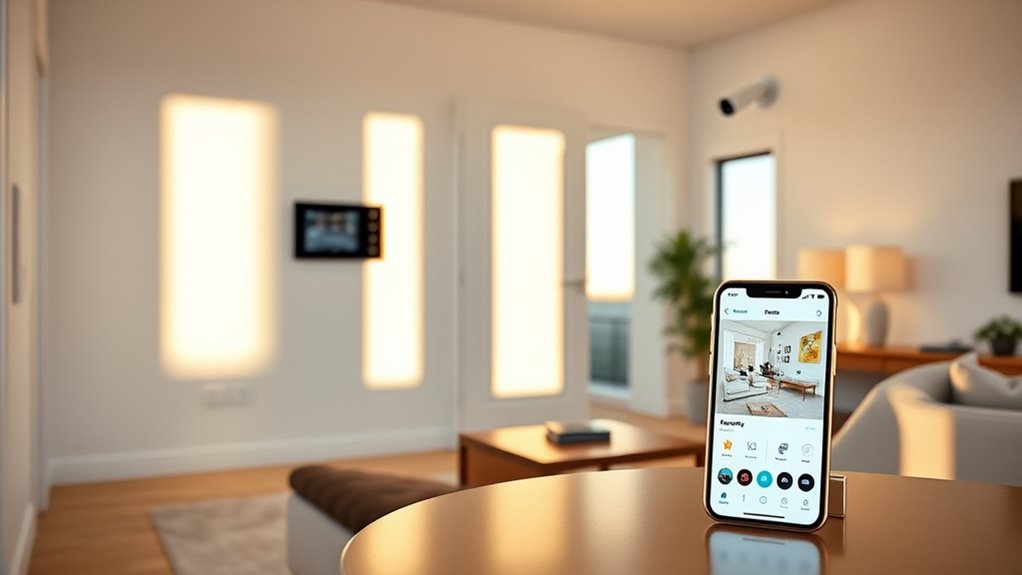
Regularly testing your home security system guarantees it stays reliable when you need it most. Start by checking sensor calibration to ensure sensors respond accurately. Next, perform software updates to fix bugs and improve functionality. Finally, review system performance by simulating alarms or alerts to confirm everything operates smoothly.
To keep your setup dependable, follow these steps:
- Calibrate sensors periodically to prevent false alarms or missed detections.
- Install software updates promptly to maintain security and feature enhancements.
- Test alarms and notifications to verify they activate correctly and reach your devices.
Frequently Asked Questions
How Often Should I Update or Upgrade My Home Security System?
Think of your security system like your trusty steed—regular upkeep keeps it reliable. You should update or upgrade your home security system every 1 to 3 years, depending on the latest tech. Stick to a maintenance schedule, check sensors, and make sure software is current. Upgrading more frequently might be unnecessary unless major innovations hit the market. Staying proactive guarantees your system works when you need it most.
What Are Common Mistakes to Avoid When Simplifying Security Setups?
To avoid security oversimplification, don’t rely too heavily on technology alone, as it can create vulnerabilities. Keep your setup straightforward but effective, making certain you understand each component’s purpose. Avoid skipping security assessments or ignoring physical measures like locks and lighting. Overcomplicating your system can lead to confusion and errors, so balance technology with practical safeguards. Regularly review and test your setup to ensure it’s both simple and secure.
Can a Basic System Effectively Protect Against All Types of Intrusions?
A basic system can effectively protect against many intrusion types if it’s well-designed and properly maintained. Focus on alarm effectiveness by installing sensors on entry points and choosing reliable alerts. While it might not cover every scenario, a straightforward setup deters most intruders and provides peace of mind. Remember, adding some smart features or cameras can enhance protection without overcomplicating your home security.
How Do I Ensure My Security System Is Compatible With Smart Home Devices?
To guarantee your security system is compatible with smart home devices, check for smart home integration options when choosing your system. Look for devices that support common protocols like Z-Wave or Zigbee, which enhance device compatibility. Read product specifications carefully and opt for systems that offer easy app integration. This way, you can seamlessly control your security setup alongside other smart devices, keeping everything simple and efficient.
What Legal Considerations Should I Be Aware of When Installing Security Cameras?
Like a modern-day Sherlock, you must navigate privacy laws and data protection when installing security cameras. Guarantee your cameras only record your property, avoiding public spaces without consent. Familiarize yourself with local regulations to prevent legal trouble. Respect neighbors’ privacy, and clearly mark camera locations. By doing so, you’ll keep your setup compliant and protect everyone’s rights, making your security efforts both effective and lawful.
Conclusion
Think of your home security as a sturdy tree—simple roots, strong branches. By focusing on what truly matters, starting small, and keeping it manageable, you’ll build a reliable shield that grows with you. Regularly test and tweak your setup, like pruning a tree, to keep it healthy and effective. With this approach, your home becomes a fortress that’s easy to tend, not a tangled web of complexity. Keep it simple, strong, and ready for anything.