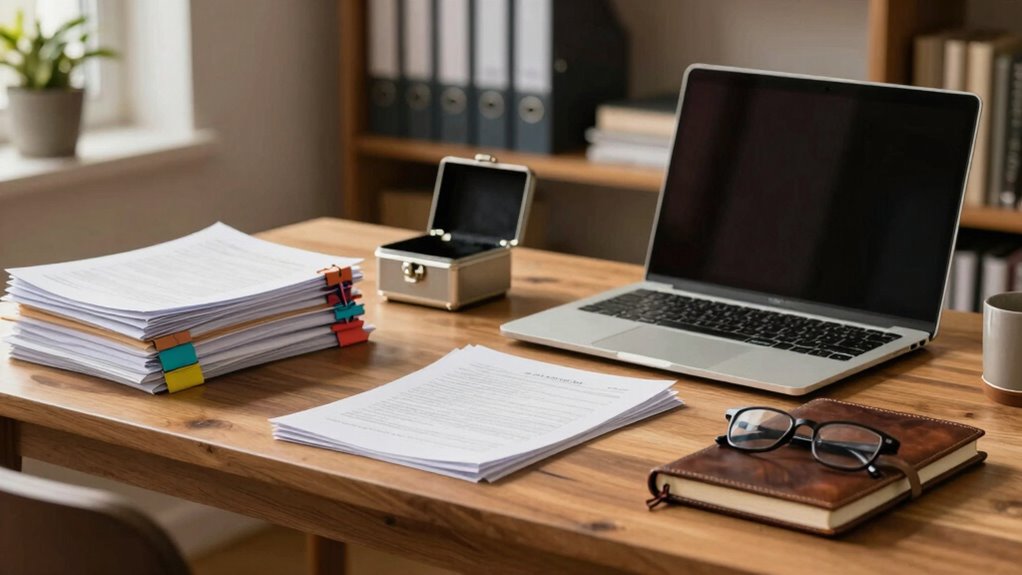

To think about document protection at home, focus on combining physical security, digital safeguards, and regular maintenance. Store important papers in fireproof safes or locked cabinets, placing them in secure, hidden locations. Use encryption and strong passwords for digital files, and back them up regularly offline. Stay vigilant by updating security software and avoiding sharing access details. By maintaining layered protections, you’ll keep your personal information safe and secure—if you continue, you’ll discover more tips to strengthen your approach.

Get the latest gadgets delivered free with Prime
- Fast, free delivery on millions of items
- Prime Video, Amazon Music and more included
- Member-only deals all year
Key Takeaways
- Assess the sensitivity of each document to determine appropriate physical and digital security measures.
- Use secure storage options like fireproof safes and encrypted digital platforms for valuable documents.
- Regularly update security software and create offline backups stored separately.
- Limit access to sensitive documents and avoid sharing passwords or access codes.
- Develop a routine for reviewing, updating, and securely disposing of unnecessary or outdated documents.
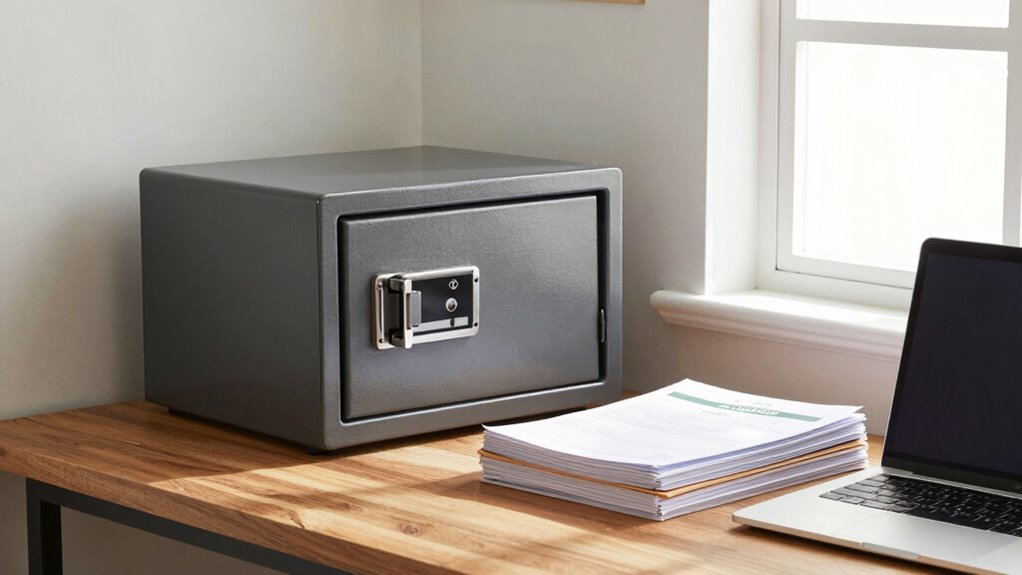
Protecting important documents at home is vital to prevent identity theft, loss, or damage. Whether it’s your birth certificate, bank statements, or legal papers, safeguarding these items guarantees your personal information stays secure. One of the most effective ways to do this is through secure storage. You should consider using a fireproof safe or a locked cabinet where you can keep paper copies safe from theft, fire, or water damage. For digital documents, secure storage also involves choosing reliable, encrypted platforms or devices that prevent unauthorized access. Digital encryption becomes essential here, as it transforms your sensitive files into unreadable data, making it nearly impossible for hackers or thieves to access your information even if they manage to breach your digital defenses.
Secure your documents with fireproof safes and strong encryption to protect against theft, fire, and cyber threats.
When you think about digital encryption, think of it as a lock that only you hold the key to. Encrypting your digital documents adds an extra layer of protection, especially if you store important files on your computer, external drives, or cloud services. Always opt for strong, unique passwords and consider multi-factor authentication to prevent unauthorized access. It’s also wise to regularly update your security software and perform backups. Backups guarantee that even if your digital files are compromised or lost, you can restore them without hassle. Keep these backups in a separate, secure location, preferably offline, so they aren’t vulnerable to cyberattacks. Developing a comprehensive approach to document protection ensures your entire system remains resilient against various threats, including cybersecurity vulnerabilities. Incorporating layered security measures can further strengthen your defenses against evolving risks. Additionally, understanding the importance of secure data storage can help you make more informed decisions about safeguarding your information.
Beyond digital encryption and secure storage, you should develop a routine for maintaining and updating your protection measures. Regularly review your stored documents, discard what’s no longer needed, and guarantee your safes or lockboxes are in good condition. When handling sensitive documents, always be cautious about where and how you store or share them. Avoid leaving important papers in obvious or accessible places, and never share passwords or access codes with untrusted individuals. It’s also beneficial to familiarize yourself with common cybersecurity best practices to stay ahead of potential threats.
Taking proactive steps protects both your physical and digital documents. Think about your entire document ecosystem—how you store, encrypt, and manage access. Implementing layered security measures, like combining physical safes with digital encryption, creates an extensive shield against potential threats. Remember, the more diligent you are about securing your documents now, the less likely you are to face serious issues later. Staying vigilant and employing these protective strategies will help you maintain control over your personal information, giving you peace of mind in your everyday life.
As an affiliate, we earn on qualifying purchases.
Frequently Asked Questions
What Are the Best Ways to Protect Digital Documents at Home?
You should use digital encryption to secure your sensitive documents, making them unreadable to unauthorized users. Regularly back up your files to a trusted cloud backup service, ensuring you won’t lose data if devices fail or are compromised. Additionally, keep your devices protected with strong passwords and enable two-factor authentication. These steps help keep your digital documents safe from theft, loss, or unauthorized access at home.
How Often Should I Review and Update My Document Security Measures?
You should review and update your document security measures at least every six months. Think of it like changing the locks on your door—regularly updating encryption practices and access control guarantees only trusted people access sensitive info. For instance, as technology evolves, so do hacking techniques. Staying current helps protect your documents from emerging threats, keeping your digital life secure and your information safe.
Are There Affordable Options for High-Security Document Storage?
Yes, affordable high-security options exist. You can invest in fireproof safes to protect important documents from fire and theft without breaking the bank. Additionally, incorporating secure shredding helps eliminate sensitive papers that could be stolen or misused. Combining these methods offers a cost-effective way to safeguard your documents at home, giving you peace of mind knowing your essential information stays protected from both physical threats and unauthorized access.
How Do I Securely Share Sensitive Documents With Family or Friends?
You should use encrypted sharing platforms that protect your sensitive documents during transfer. Make certain to set proper access control, giving only trusted family or friends permission to view or edit, and revoke access once it’s no longer needed. Encrypt files before sharing, and use strong passwords or two-factor authentication. These steps guarantee your documents stay private and secure, even when shared with loved ones.
What Are Common Mistakes to Avoid in Home Document Protection?
You might leave your sensitive papers unprotected, risking paper theft or fire damage. Don’t overlook fire safety; store documents in fire-resistant safes. Avoid neglecting secure locations—hidden spots or locked cabinets are better. Be cautious about sharing access or leaving papers in plain sight. These mistakes can turn your careful plans into chaos, making your documents vulnerable. Stay vigilant, and protect your papers as fiercely as you guard your most valuable possessions.
As an affiliate, we earn on qualifying purchases.
Conclusion
Remember, it’s all about creating a cozy little fortress for your important papers. Think of document protection as giving your valuables a gentle hug—keeping them safe without making life too complicated. By taking simple steps, you can keep your documents out of sight and out of trouble, all while maintaining that relaxed, worry-free vibe at home. After all, a little care goes a long way in making sure your papers stay just where they belong.
As an affiliate, we earn on qualifying purchases.
multi-factor authentication security key
As an affiliate, we earn on qualifying purchases.
As an affiliate, we earn on qualifying purchases.
Halloween Picks
halloween
As an affiliate, we earn on qualifying purchases.