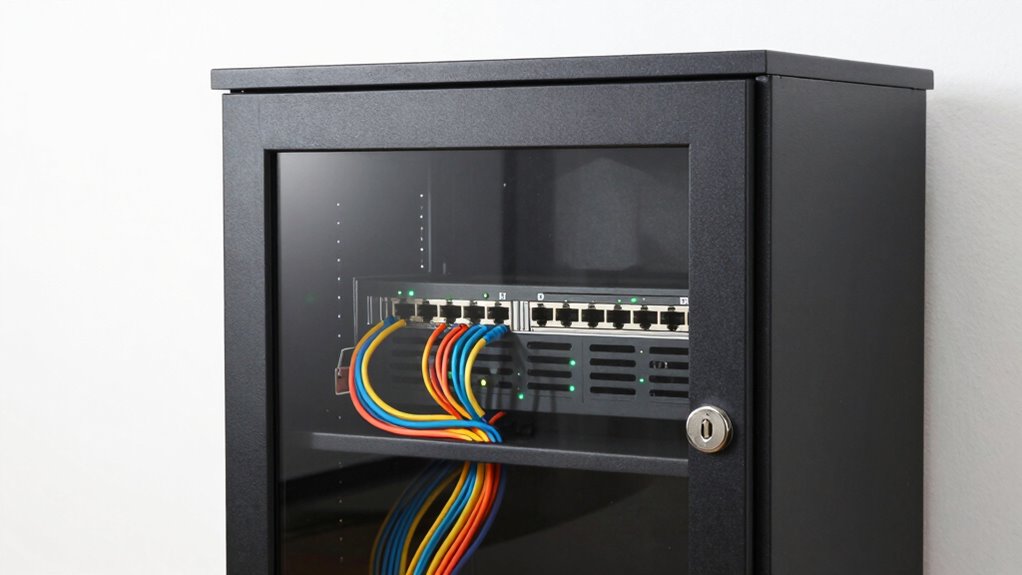

Think of your locked network cabinet as a crucial shield for your home’s digital infrastructure. It should be positioned securely, out of reach of visitors, and made from tamper-resistant materials. Limit access to trusted individuals using locks or biometric systems, and keep detailed logs of who enters and why. Regular inspections and alarms add extra layers of security. Understanding how physical security supports overall cybersecurity helps guarantee your network stays safe; exploring these strategies further will give you even more peace of mind.

Get the latest gadgets delivered free with Prime
- Fast, free delivery on millions of items
- Prime Video, Amazon Music and more included
- Member-only deals all year
Key Takeaways
- View locked network cabinets as essential physical security to protect sensitive hardware and prevent unauthorized access.
- Integrate access control measures, such as locks or biometric systems, to regulate and log user entry.
- Position cabinets in discreet, secure locations to minimize tampering or accidental interference.
- Regularly inspect and maintain security features, including alarms and tamper detection systems.
- Combine physical security with digital cybersecurity protocols for comprehensive network protection.
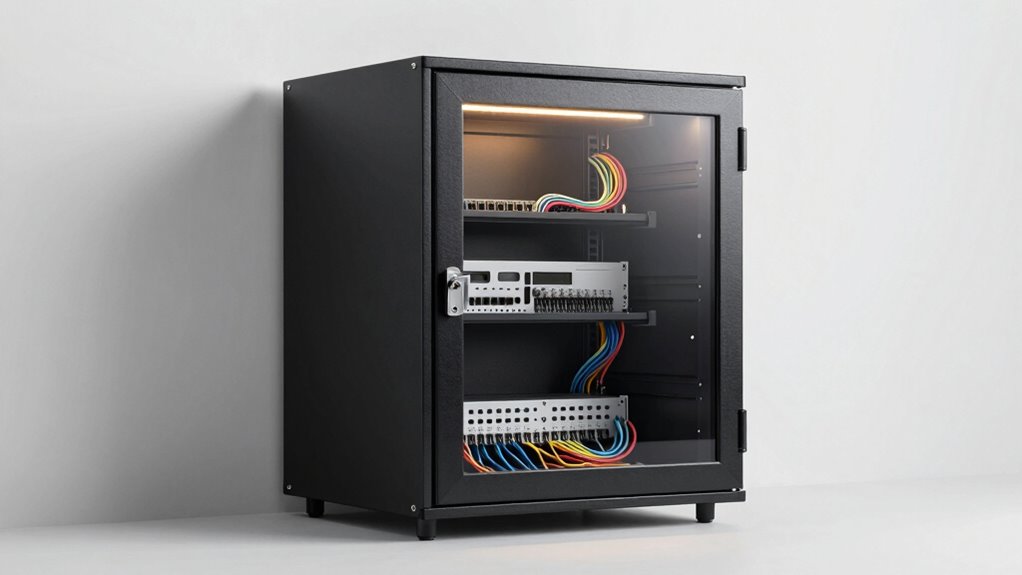
When it comes to managing network infrastructure, understanding the importance of locked network cabinets is essential. These cabinets aren’t just storage units; they’re critical components that protect your network’s hardware and data. In a home setup, a locked cabinet acts as a physical barrier against unauthorized access, ensuring that only trusted individuals can make changes or troubleshoot issues. This is where access control becomes vital. By limiting who can open the cabinet, you reduce the risk of accidental or malicious interference, which could compromise your network’s stability or security. Implementing a lock and key, biometric access, or electronic access control systems ensures that only authorized users can access sensitive equipment.
Locked network cabinets protect hardware, restrict access, and ensure your home network remains secure and stable.
Security protocols play a significant role in how you manage these cabinets. It’s not enough to just lock them; you need to establish procedures that reinforce the importance of security. For example, you might require a log for anyone accessing the cabinet, documenting the time and purpose of each entry. This accountability helps prevent unauthorized tampering and provides a record that can be reviewed if issues arise. Incorporate regular inspections to verify that locks are secure and that no unauthorized access has occurred. Additionally, consider integrating alarm systems that trigger alerts if someone tries to tamper with the cabinet, further strengthening your security protocols. Understanding the role of physical security within your overall cybersecurity strategy can help you better protect your network hardware. Properly securing these cabinets also involves understanding access control measures, which are vital for maintaining network integrity.
Your choice of a locked network cabinet should also align with your overall home security strategy. Think about its placement—ideally, in a locked room or closet that’s not easily accessible to visitors or untrusted family members. The material and build quality matter too; durable, tamper-resistant cabinets provide an extra layer of protection against forced entry. When setting up your network, keep in mind that the cabinet’s security is only as strong as the access controls and protocols you enforce. Educate everyone in your household about the importance of not tampering with the network hardware and maintaining the integrity of security measures. Maintaining a comprehensive security plan ensures all aspects of your home network’s physical and digital defenses are coordinated effectively.
In essence, a locked network cabinet isn’t just a physical barrier; it’s a critical element of your cybersecurity. Combining robust access control with solid security protocols ensures your network remains safe from threats, accidental disruptions, or unauthorized access. Think of the cabinet as the frontline defense for your home network, and treat its security with the same seriousness as you do your digital data. Properly managing and safeguarding this hardware creates a more resilient, secure home network environment, giving you peace of mind and protecting your digital assets.
Products Worth Considering

Bose QuietComfort Wireless Noise-Cancelling Over-Ear Headphones, Black

Sony WH-1000XM6 Wireless Noise-Canceling Over-Ear Headphones, Blue, Bundle

Samsung 27 Odyssey OLED G5 (G50SF) QHD QD-OLED Gaming Monitor
As an affiliate, we earn on qualifying purchases.
Frequently Asked Questions
What Are the Common Security Risks of Locked Network Cabinets?
Locked network cabinets can still pose security risks if remote access isn’t properly managed or if physical security isn’t tight. Unauthorized individuals might exploit weak remote login credentials or vulnerabilities, gaining access remotely. Additionally, if someone gains physical access, they could tamper with or steal equipment. To mitigate these risks, enforce strong passwords, limit remote access, and guarantee the cabinet is physically secured to prevent unauthorized entry.
Can I Upgrade or Modify a Locked Network Cabinet Easily?
You can definitely upgrade or modify a locked network cabinet, but think of it like tuning a finely crafted instrument—you’ll need patience. Start by carefully managing cables to keep everything neat, and consider ventilation options to prevent overheating during modifications. With the right tools and a gentle touch, you can enhance your cabinet’s performance, ensuring it adapts seamlessly to your evolving needs without sacrificing security or organization.
How Do I Choose the Right Lock Type for My Cabinet?
You should choose a lock type that balances security and access convenience, like key locks or digital keypad locks. Consider your cable management needs; a lock that allows easy cable access helps streamline setup. Also, prioritize ventilation options to prevent overheating. Locks with ventilation slots or designs that don’t block airflow guarantee your equipment stays cool while remaining secure. This way, you protect your network without sacrificing functionality.
What Maintenance Is Required for Locked Network Cabinets?
You need to regularly inspect your locked network cabinet to guarantee peak performance. Check cable management to prevent tangles that could cause overheating or signal issues, and clean dust from vents to keep ventilation requirements met. Don’t forget to test locks periodically to ensure security remains intact. Neglecting these steps might lead to overheating or compromised access, risking your entire network’s stability. Stay vigilant; your network’s safety depends on it.
Are There Legal Considerations for Locking Network Cabinets?
Yes, there are legal considerations for locking network cabinets. You need to implement proper access control to guarantee only authorized individuals can open them, which helps protect sensitive data and maintain privacy. Additionally, locking cabinets can help you comply with privacy protection regulations and data security laws. Always verify local laws and regulations to avoid legal issues, and document your access control policies for accountability and transparency.
Conclusion
Remember, a locked network cabinet is only as good as the security measures you put in place. Think of it as locking your front door—it’s an essential step, but not the only one. Keep your firmware updated, limit physical access, and stay vigilant. As the saying goes, “Trust, but verify.” By staying proactive, you’ll protect your home network and keep your digital life safe and sound.