Privacy zones on door cameras let you control which areas are recorded, helping you protect your privacy while keeping your home secure. By blocking out private spaces like neighbors’ yards or sidewalks, you respect others’ privacy and reduce legal issues. Properly setting up these zones also improves motion detection and reduces false alerts. If you continue exploring, you’ll discover how to set up privacy zones effectively and communicate with neighbors about your camera use.

Get the latest gadgets delivered free — and shop member deals
- Fast, free delivery on millions of items
- Access to Prime Big Deal Days deals on October 6–7
- Prime Video, Amazon Music and more included
Key Takeaways
- Privacy zones prevent cameras from recording private areas, safeguarding personal and neighbor privacy while maintaining security.
- They help reduce false alarms by blocking irrelevant motion detection in public or sensitive spaces.
- Proper setup ensures legal compliance and avoids privacy violations by controlling what the camera captures.
- Privacy zones promote transparency and trust by allowing homeowners to communicate their surveillance boundaries.
- Regular calibration and updates optimize privacy zones, balancing security needs with respect for privacy rights.
As an affiliate, we earn on qualifying purchases.
What Are Privacy Zones on Door Cameras and How Do They Work?
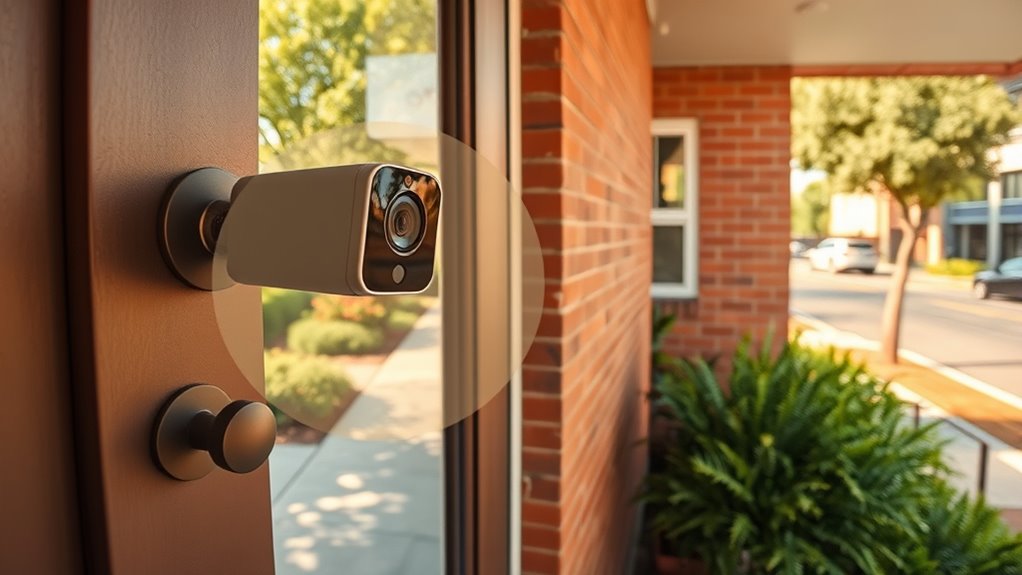
Privacy zones on door cameras are customizable areas that allow you to block out specific parts of the camera’s view, ensuring your privacy is protected. By setting these zones, you prevent sensitive areas from being recorded, even if motion detection triggers the camera. Your camera resolution remains high, capturing clear footage outside the privacy zones, so you can still monitor your front door effectively. When motion detection is active, the camera alerts you to activity in unblocked areas, but the privacy zones hide unwanted sections. This way, you maintain control over what’s recorded and what stays private. Privacy zones are easy to set up through your camera’s app or software, giving you peace of mind while keeping your privacy intact. Making your privacy zones easier to manage helps ensure your camera remains both effective and respectful of your personal boundaries. Additionally, understanding how these features work can improve your overall security and privacy practices, especially when considering the importance of camera technology in safeguarding your home. Familiarity with privacy zone configuration can also help you optimize your camera’s performance and privacy settings for better home security, and staying informed about natural pool options can encourage eco-friendly backyard upgrades.
wireless security camera with customizable privacy settings
As an affiliate, we earn on qualifying purchases.
As an affiliate, we earn on qualifying purchases.
Why Privacy Zones Are Key to Respecting Your Neighbors’ and Passersby’s Privacy
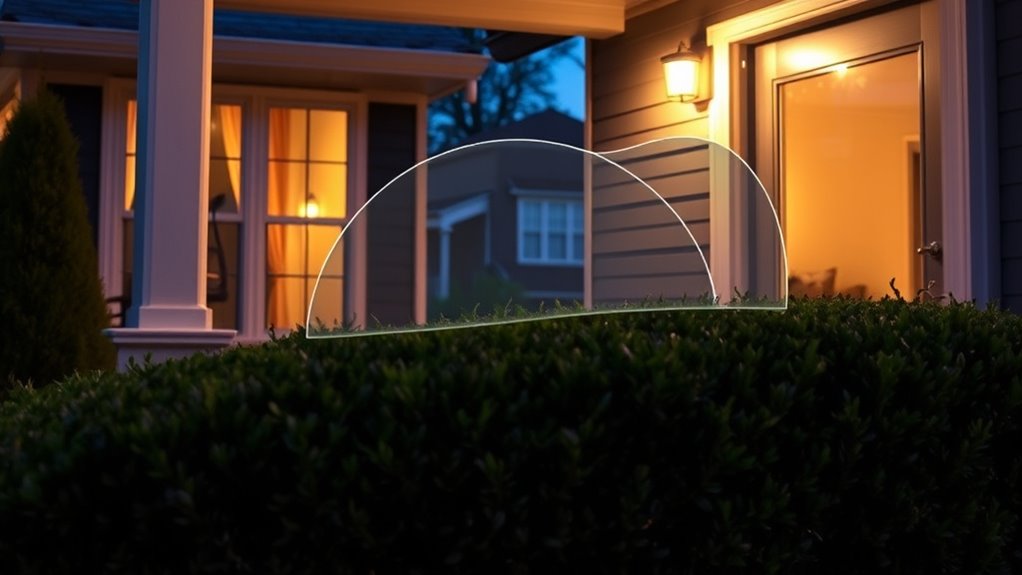
Implementing privacy zones on your door camera is essential for respecting the privacy of neighbors and passersby. Proper camera placement helps limit the view to your property, avoiding public sidewalks or neighboring yards. This also aligns with European cloud innovation efforts to promote responsible data handling and privacy protection. It prevents capturing unnecessary footage of people who haven’t consented to being recorded. Lighting considerations also matter; avoid positioning the camera where glare or strong backlighting can reveal sensitive areas or cause privacy breaches. Adjusting the camera angle and choosing discreet locations ensures you maintain security without infringing on others’ privacy. Understanding privacy protection regulations helps guide responsible device setup and usage. Being aware of air quality standards and how they relate to your security devices can further inform responsible placement. By thoughtfully setting privacy zones, you protect your community’s comfort and build trust, demonstrating that your security measures are respectful and considerate of everyone’s right to privacy.
doorbell camera with motion detection and privacy zones
As an affiliate, we earn on qualifying purchases.
As an affiliate, we earn on qualifying purchases.
How to Set Up Privacy Zones on Your Door Camera

To establish privacy zones on your door camera, start by accessing its settings menu. Then, define the areas you want to keep private and adjust the zone boundaries as needed. This process helps guarantee your privacy preferences are clearly applied and effective. Utilizing privacy zones can also help you protect your personal space while maintaining security. Remember that camera settings often include options for customizing these zones to suit your needs. Selecting a camera with advanced features can further enhance your ability to tailor privacy controls effectively. Additionally, understanding how these settings integrate with overall camera performance can ensure you optimize both privacy and security. Properly managing user consent for cookies related to your camera’s app or platform can also influence how your data is handled and shared.
Access Camera Settings
Setting up privacy zones on your door camera is a straightforward process that starts within the camera’s settings menu. First, access your camera’s app or web portal. From there, navigate to the ‘Settings’ or ‘Privacy’ section. Once inside, follow these steps:
- Adjust camera placement if needed to optimize view and minimize blind spots.
- Enable motion detection to focus recordings on important activity.
- Select the privacy zone tool and draw over areas you want to block out, like neighbors’ property or busy streets.
- Remember, proper camera placement and tailored privacy zones help balance security with privacy concerns effectively, especially considering the importance of privacy features. Additionally, understanding the privacy considerations available can enhance your overall home security plan. Incorporating privacy zones is an essential part of creating a secure and respectful environment for all household members. Recognizing privacy considerations can further promote trust and comfort among household members. Moreover, utilizing smart‑home integrations can streamline managing these privacy settings across multiple devices.
Define Privacy Areas
Wondering how to precisely define your privacy areas on your door camera? The key is to consider your camera placement carefully. Position your camera to maximize coverage of your front door while avoiding views of neighboring properties or private spaces. Once installed, use the camera’s privacy zone feature to block out specific areas. When doing this, lighting considerations matter—avoid placing zones where glare or shadows might distort the image, making it harder to identify visitors. Adjust the zone boundaries so they cover the areas you want to keep private, such as sidewalks or neighboring yards. This way, your camera captures what’s necessary for security without invading others’ privacy. Properly defining these zones helps protect your privacy while maintaining effective surveillance.
Adjust Zone Boundaries
Adjusting zone boundaries is a straightforward process that guarantees your privacy zones effectively cover the areas you want to keep private. To make precise privacy adjustments, follow these steps:
- Access your camera’s app and select the privacy zones feature.
- Drag and resize the zone boundaries to cover only the areas you wish to hide.
- Save your settings and review the coverage to verify your privacy adjustments are accurate.
- Remember that privacy zone accuracy depends on properly configuring the boundaries so sensitive areas are fully protected.
outdoor security camera with privacy masking
As an affiliate, we earn on qualifying purchases.
As an affiliate, we earn on qualifying purchases.
Common Mistakes When Configuring Privacy Zones and How to Avoid Them

When configuring privacy zones for your door camera, it’s easy to make mistakes that compromise your privacy or reduce the camera’s effectiveness. Common errors include creating zones that are too narrow, leaving vulnerable spots open to privacy violations. Overlapping zones can create security loopholes, allowing intruders to go unnoticed. Failing to review settings regularly might cause outdated zones, exposing sensitive areas. Additionally, ignoring the camera’s field of view can lead to blind spots. To avoid these issues, double-check zone placement, ensure all-encompassing coverage, and update zones as needed. Proper understanding of camera placement strategies can further optimize your privacy and security.
Benefits of Using Privacy Zones for Better Home Security and Privacy Balance
Implementing privacy zones on your door camera offers a strategic way to enhance your home’s security while maintaining your privacy. By carefully configuring these zones, you can optimize camera placement and focus motion detection on areas of interest, reducing false alerts. This ensures you’re notified only about meaningful activity. Additionally, understanding camera placement best practices can further improve your monitoring effectiveness. Proper placement can also help maximize the benefits of privacy zones, ensuring they function as intended and do not interfere with your overall security strategy. The benefits include:
- Reduced false alarms: Privacy zones block irrelevant movements, making motion detection more accurate.
- Enhanced privacy: Sensitive areas or neighbors’ properties stay private, preventing unnecessary surveillance.
- Improved security focus: You can concentrate on key entry points, ensuring better monitoring of potential threats. Incorporating safe wiring practices when installing your camera setup can further prevent technical issues and ensure reliable operation. Properly managing animal activity, such as the presence of pets or wildlife, can also reduce unnecessary alerts and improve camera efficiency.
Additionally, selecting the right camera angles can significantly enhance the effectiveness of privacy zones and overall security coverage.
Legal and Ethical Tips for Using Privacy Zones Responsibly
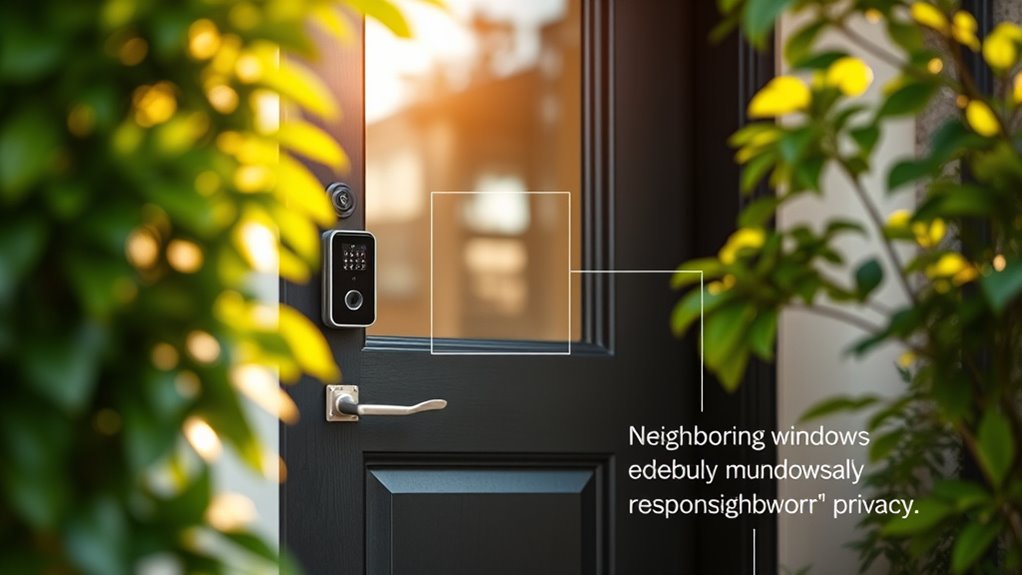
Using privacy zones responsibly is essential to respect both legal boundaries and ethical considerations. You should guarantee that your use of privacy zones prioritizes data privacy, avoiding unnecessary recording of areas where people expect privacy, like neighbors’ yards or public sidewalks. Be transparent with visitors or household members about your camera’s coverage and privacy measures. Maintain your footage securely, limiting access to only trusted individuals, to prevent misuse. Practicing ethical surveillance means balancing your security needs with respect for others’ privacy rights. Stay informed about local laws governing surveillance, and always adhere to them. Understanding the importance of vetted information helps ensure your practices are both legal and ethical. By following these tips, you demonstrate responsible ownership of your door camera, fostering trust and avoiding legal or ethical conflicts related to privacy zone implementation.
How Privacy Zones Help You Stay Compliant With Privacy Laws

Privacy zones are a practical tool for ensuring your door camera complies with privacy laws. They help you control what areas are recorded, reducing the risk of capturing private spaces or sensitive information. To stay compliant, you should:
Privacy zones help ensure door cameras comply with laws and protect sensitive areas.
- Regularly perform camera calibration to ensure privacy zones are accurately aligned.
- Use data encryption to protect footage from unauthorized access.
- Clearly mark or notify visitors about active privacy zones to demonstrate transparency.
Implementing these steps minimizes legal risks and shows you’re proactive about privacy. Privacy zones help you avoid violations related to recording beyond permitted areas, and proper camera calibration ensures zones are precise. Data encryption further safeguards your footage, making sure sensitive data stays protected, aligning your setup with privacy laws.
Talking to Your Neighbors About Privacy Zones: Tips for Good Communication

Talking to your neighbors about privacy zones helps set clear expectations and avoids misunderstandings. Use respectful language and explain your intentions to protect everyone’s privacy. Good communication encourages cooperation and keeps your relationships strong.
Clear Communication Strategies
Effective communication is key when establishing privacy zones for your door camera, especially when your neighbors’ concerns are involved. To guarantee clarity, consider these strategies:
- Clearly explain your camera placement, highlighting how it avoids capturing private areas.
- Offer user education about the camera’s features, such as adjustable zones and privacy settings.
- Encourage open dialogue, inviting neighbors to share their worries and suggestions.
Respecting Privacy Boundaries
Building trust with your neighbors is essential when establishing privacy zones for your door camera. Start by discussing your camera placement openly, explaining that your goal is to respect everyone’s privacy concerns. If your camera captures neighboring property or public areas, consider adjusting its angle or height to minimize intrusion. Be transparent about your intentions and listen to any privacy boundaries your neighbors might have. Showing willingness to modify camera placement demonstrates respect and fosters good relationships. Clear communication helps prevent misunderstandings and reassures neighbors that you value their privacy. Remember, addressing privacy concerns proactively encourages cooperation and ensures your security measures don’t infringe on others’ comfort or boundaries. Respecting these boundaries benefits everyone and maintains neighborhood harmony.
Frequently Asked Questions
Can Privacy Zones Be Easily Adjusted After Initial Setup?
Yes, you can easily adjust privacy zones after the initial setup. Most door cameras offer privacy zone customization with adjustment flexibility, so you can modify the protected areas whenever needed. Using the camera’s app or control panel, you simply select the privacy zones you want to change and reposition or resize them. This makes it simple to maintain your privacy preferences without having to reset or reinstall the camera.
Do Privacy Zones Affect the Camera’s Motion Detection Accuracy?
Privacy zones can slightly affect your camera’s motion detection accuracy if they’re set too restrictively, blocking important areas. When you adjust privacy settings, make certain you don’t cover zones where motion typically occurs. Properly configured privacy zones maintain your privacy while allowing the camera to detect motion effectively. Regularly review and fine-tune these zones to balance privacy needs with accurate motion detection, guaranteeing your door camera works at its best.
Are Privacy Zones Compatible With All Door Camera Models?
Not all door camera models support privacy zones, so you should check your specific camera’s compatibility. Many modern cameras offer customization options, including privacy zones, but some budget models might lack this feature. To guarantee you can set privacy zones effectively, review your camera’s specifications or user manual. This way, you’ll know if privacy zones are compatible with your device and how to customize them to protect your privacy.
How Do Privacy Zones Impact the Storage of Recorded Footage?
Think of privacy zones as a filter for your footage storage—like a sieve that keeps unwanted scenes out. When you set privacy zones, it reduces the amount of sensitive footage recorded, which can free up storage space. This privacy impact means less clutter in your saved clips, making it easier to find important events. So, by using privacy zones, you’re protecting privacy while efficiently managing your footage storage.
Can Privacy Zones Be Used to Hide Specific Individuals or Objects?
Yes, privacy zones can be used to hide specific individuals or objects. You can set up face masking to obscure faces and object hiding to block out items you don’t want recorded. This feature allows you to safeguard privacy while still monitoring your door. By adjusting these zones, you guarantee sensitive areas or people stay private, giving you control over what’s captured and stored in your footage.
Conclusion
By thoughtfully setting up privacy zones, you create a harmonious balance between securing your home and respecting your neighbors’ peace. It’s like drawing gentle boundaries in a shared space, ensuring everyone feels comfortable and protected. When you approach this with care and consideration, your door camera becomes a silent guardian that honors both security and privacy, fostering trust and tranquility in your neighborhood. Ultimately, it’s about crafting a welcoming environment where everyone feels safe and respected.
Fall Picks
fall essentials
As an affiliate, we earn on qualifying purchases.