
TL;DR

Get the latest gadgets delivered free with Prime
- Fast, free delivery on millions of items
- Prime Video, Amazon Music and more included
- Member-only deals all year
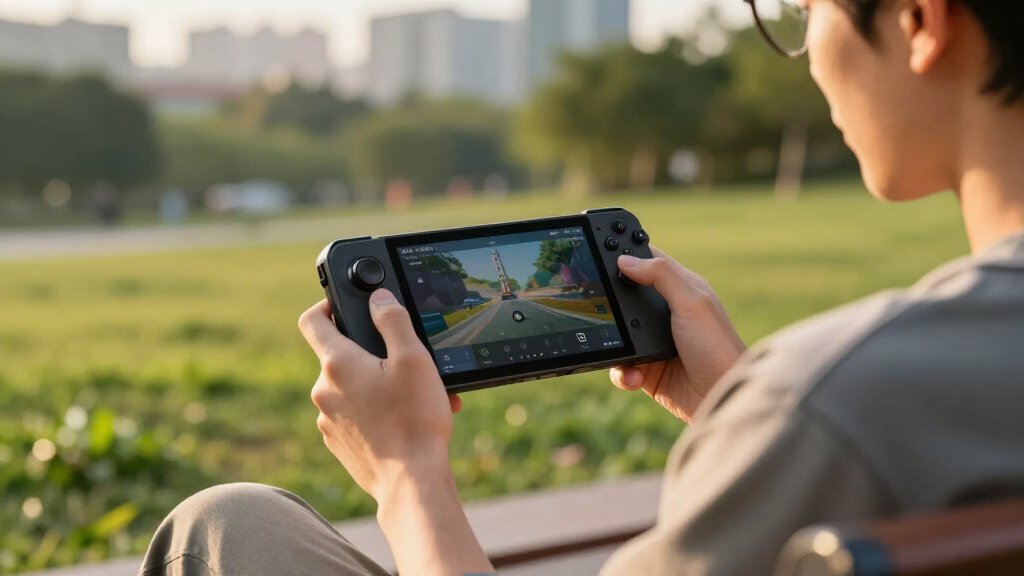
Lenovo has acknowledged a BIOS update issue that caused some Legion Go gaming handhelds to become unresponsive or bricked. The company is now providing a fix to address the problem. The situation highlights risks associated with firmware updates on gaming devices.
Lenovo has confirmed that a recent BIOS update for its Legion Go gaming handhelds caused some units to become bricked or unresponsive. The company has now issued a firmware fix to address the problem, which affected a subset of users during the update process. This development is significant for owners of the device and highlights the risks associated with firmware updates on portable gaming hardware.
According to Lenovo, the issue arose from a BIOS update released in late March 2024, which, due to a software glitch, caused certain Legion Go units to become unbootable or bricked after installation. The company acknowledged the problem publicly on its support channels and committed to resolving it promptly.
Lenovo has now made available a new BIOS firmware that users can install to recover affected devices. The company recommends following specific recovery procedures, including using a USB recovery drive, to restore bricked units. The exact number of impacted units remains unconfirmed, but reports from users indicate the problem affected a small percentage of the total user base.
Lenovo has also advised users to exercise caution when applying firmware updates in the future and emphasized that firmware updates should only be performed following official instructions to prevent similar issues.
Implications of Firmware Risks on Gaming Devices
This incident underscores the potential risks firmware updates pose to portable gaming hardware, especially when they involve critical components like BIOS firmware. For users, it highlights the importance of following official procedures and the potential consequences of failed updates, including device bricking. For manufacturers, it demonstrates the need for rigorous testing and clear communication during firmware rollouts to prevent and mitigate such issues.
Products Worth Considering

Jackery Explorer 300 Portable Power Station with 40W Solar Panel

LG UltraGear 32GX850A-B 32-Inch 4K UHD Glossy OLED Gaming Monitor

Samsung 27-Inch Odyssey QD-OLED G8 4K 240Hz Gaming Monitor
As an affiliate, we earn on qualifying purchases.
Background on Legion Go and Firmware Update Challenges
The Lenovo Legion Go is a handheld gaming device launched in late 2023, aimed at competing with other portable gaming consoles. Like many modern devices, it relies on firmware updates to improve functionality, security, and compatibility. However, firmware updates carry inherent risks, especially if glitches occur during the process.
In early 2024, reports emerged from users experiencing bricking issues after attempting to install a BIOS update. These reports prompted Lenovo to investigate and eventually confirm the problem, which they attributed to a software bug in the update process. This is not the first time firmware updates have caused issues in gaming hardware; similar incidents have occurred with other devices, emphasizing the delicate nature of firmware management.
Lenovo’s response included issuing a fix and guidance for recovery, but the incident has raised broader concerns about firmware stability and user safety during updates.
“We are aware of the issue caused by the recent BIOS update and have released a firmware fix to restore affected devices.”
— Lenovo Support Team
Extent of Impact and Long-term Reliability
It remains unclear how many units were affected overall, as Lenovo has not released specific figures. The long-term reliability of the BIOS fix and whether similar issues could recur with future updates are also unknown. Additionally, the full scope of the software bug that caused the bricking remains undisclosed, leaving some uncertainty about its root cause.
Future Firmware Updates and User Guidance
Lenovo is expected to continue monitoring the situation and may release further updates to improve firmware stability. The company has advised affected users to follow official recovery procedures carefully and to stay updated with upcoming firmware releases. Additionally, Lenovo might review its update testing processes to prevent similar incidents in the future.
Key Questions
How can I recover my bricked Legion Go device?
Lenovo has provided instructions for recovering bricked units, including using a USB recovery drive with the latest firmware. Users should follow the official support page for detailed steps to restore their device.
Is my Legion Go still safe to use after the BIOS update issue?
If your device is functioning normally, it is likely safe. However, if you experience problems after a BIOS update, consult Lenovo support for guidance on recovery procedures.
Will Lenovo release more updates to prevent this from happening again?
Lenovo has not explicitly confirmed future update plans but is expected to review its firmware testing and release processes to mitigate similar issues.
Should I avoid updating my BIOS on the Legion Go?
Users are advised to only perform BIOS updates following official instructions and after verifying the update’s stability. If unsure, contact Lenovo support before proceeding.
Source: rss