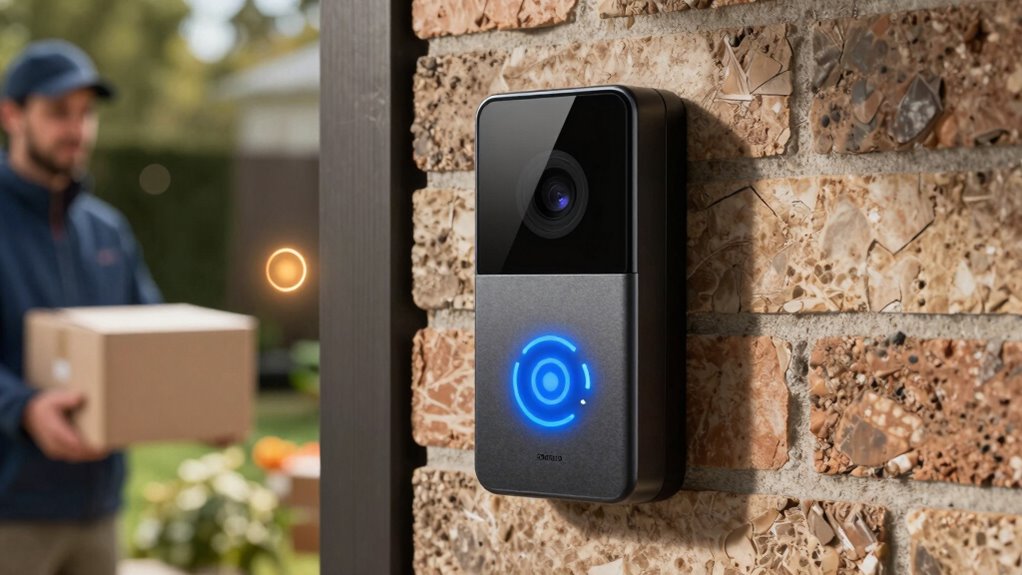

By customizing package and motion zones, you control where and when your doorbell alerts you. Package zones focus alerts on delivery areas, preventing notifications from unrelated porch activity. Motion zones limit alerts to key spots like your doorstep, reducing false alarms from passing cars or rustling trees. This targeted approach makes your alerts more accurate and relevant. Keep exploring to discover how fine-tuning these zones can boost your home security even further.
Key Takeaways
- Package zones trigger alerts only when deliveries are dropped or disturbed, reducing irrelevant notifications.
- Motion zones restrict alerts to specific areas, preventing false alarms from passing vehicles or trees.
- Combining both zones ensures alerts are relevant to delivery activity and targeted movement.
- Proper calibration of zones enhances alert accuracy and minimizes false positives.
- Tailoring zones improves overall security by focusing notifications on critical areas around the door.
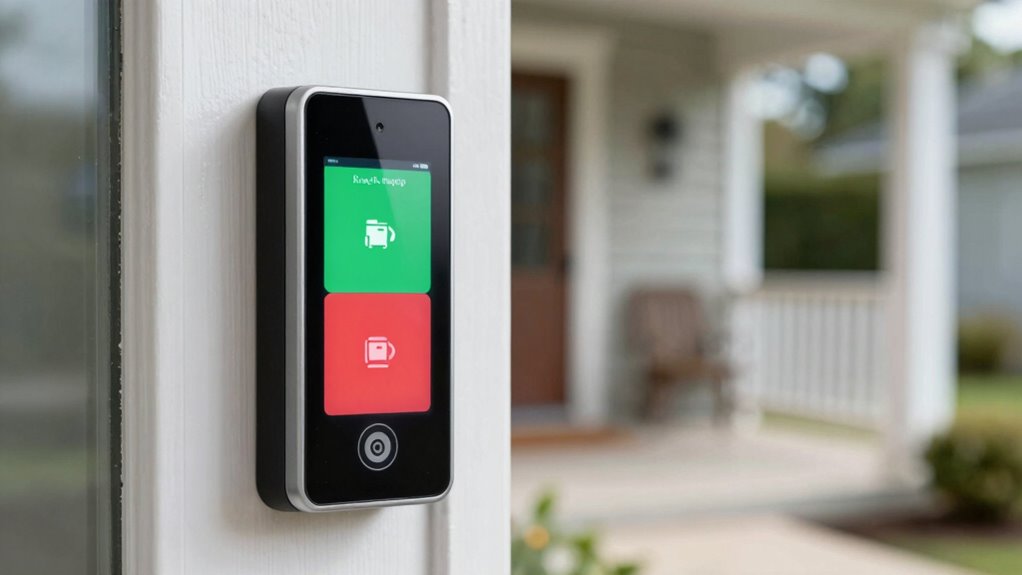
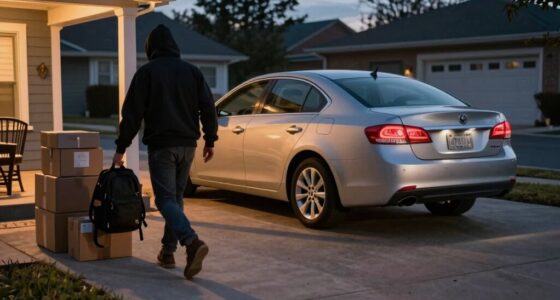
Doorbell alerts have become an essential tool for home security, especially with the ability to customize notifications based on specific zones. This feature allows you to focus on what truly matters, reducing unnecessary alerts and assure you’re promptly informed about potential issues. When it comes to package security, setting up a dedicated package zone is a game-changer. You can specify an area right where deliveries are dropped off, so your doorbell only alerts you when a package is left or disturbed. This way, you won’t get notifications every time someone walks past your porch or when the mailman arrives, which helps prevent false alarms and keeps your focus on relevant activity.
Customize your doorbell alerts with zones to focus on what matters and reduce false notifications.
Motion detection is another critical aspect of these zones. By customizing motion zones, you control exactly where your doorbell monitors movement. Instead of being alerted to every motion in your yard or street, you can narrow it down to the area directly around your doorstep or package drop-off spot. This not only minimizes distractions but also guarantee you’re notified only when someone approaches or interacts with your property. For instance, if you’re expecting a delivery, you can set the motion zone to cover just the porch, so you’re alerted when the delivery person arrives or leaves, without getting notifications for cars passing by or trees swaying in the wind. Additionally, understanding the technology behind motion detection** can help you optimize your zones further. Knowing how different sensor types work can also improve your customization, ensuring more accurate alerts. Exploring the sensor calibration process can further enhance alert precision by fine-tuning the sensitivity levels according to your environment. Incorporating advanced detection algorithms** can further reduce false positives and improve overall reliability.
These zones work hand-in-hand to improve your overall home security. With package zones, you get peace of mind knowing that your deliveries are monitored without cluttering your alerts. Meanwhile, motion zones let you customize activity detection, making sure you’re notified about potential intruders or visitors in specific areas. You can even combine these settings, so you receive alerts only when a package is delivered and someone is present in the designated zone, increasing your security precision. Moreover, regular zone adjustments can help adapt to changes in your environment and keep your system effective over time. Plus, many doorbell systems allow you to adjust these zones easily, so you can refine them over time based on your needs.
Ultimately, the ability to customize package security and motion detection zones empowers you to manage your home’s safety more effectively. You reduce false alerts, stay informed about important activity, and maintain control over what triggers your notifications. This tailored approach makes your doorbell a more reliable security tool, giving you confidence that you’ll be alerted to genuine concerns without being overwhelmed by irrelevant alerts.
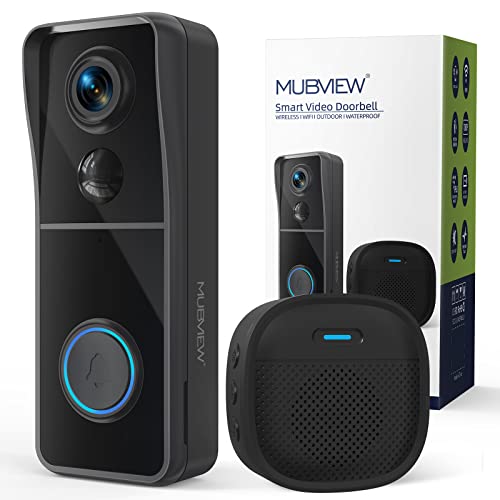
MUBVIEW Doorbell Camera Wireless with Chime, Video Doorbell – No Subscription, Voice Changer, Motion Zones Customization, 1080HD, PIR Human Detection, 2.4Ghz WiFi, Battery-Powered Smart Doorbell
𝐕𝐨𝐢𝐜𝐞 𝐂𝐡𝐚𝐧𝐠𝐞𝐫 & 𝐑𝐞𝐚𝐥-𝐭𝐢𝐦𝐞 𝐈𝐧𝐭𝐞𝐫𝐚𝐜𝐭𝐢𝐨𝐧: With the upgraded feature of changing voices, MUBVIEW wireless doorbell can disguise actual…
As an affiliate, we earn on qualifying purchases.
As an affiliate, we earn on qualifying purchases.
Frequently Asked Questions
Can I Customize Zones for Different Times of Day?
Yes, you can customize zones for different times of day using time-based customization and zone scheduling features. You simply set specific zones to activate or deactivate at certain times, allowing you to tailor alerts based on your daily routine. This way, you’ll only get notifications in relevant zones during designated periods, reducing false alerts and ensuring you stay informed when it matters most.
Do Zones Affect Battery Life of the Doorbell?
Zone customization can subtly influence your doorbell’s battery life, but it’s usually a gentle nudge rather than a major drain. By focusing on battery optimization, you can extend your device’s longevity while tailoring zones to your needs. When you adjust zones, you’re fundamentally fine-tuning how often your doorbell activates, helping conserve power without sacrificing security. It’s a smart way to keep your doorbell responsive and your battery happy.
How Precise Are Package and Motion Zone Detections?
Package and motion zone detections are quite precise, thanks to adjustable zone accuracy and detection sensitivity. You can fine-tune these settings to better target specific areas, reducing false alerts. The zones effectively distinguish between packages or motion in designated spots, so you’re alerted only when needed. However, overly high detection sensitivity might cause false alarms, while lower sensitivity could miss important activity. Proper calibration ensures maximum zone effectiveness.
Can Multiple Users Modify Zone Settings Remotely?
Absolutely, multiple users with the right user permissions can usually modify zone settings remotely, making it convenient for everyone. Think of remote access as your key to collaborative control, allowing trusted users to fine-tune package and motion zones from anywhere. Just make certain permissions are set correctly; otherwise, only authorized folks can make those adjustments. This way, everyone can stay in the loop without missing a beat or the package.
Are Zone Settings Shared Across Multiple Doorbell Devices?
Zone settings are typically not shared across multiple doorbell devices unless explicitly set up through device synchronization. You can manage zone sharing by linking devices within the app, allowing you to control alerts for all your doorbells simultaneously. However, without proper synchronization, each device maintains its own zone configurations, so you need to adjust settings individually. Ensuring device synchronization helps keep your zone preferences consistent across all your doorbell devices.

Tapo 2K+ Wired or Battery Powered Smart Video Doorbell with Chime – 180° Field of View, Person/Vehicle/Package Detection, Ring Call, 2-Way Audio, Subscription-Free Local Storage or Optional Cloud,D225
【Complete Flexibility – Wired and Wireless】The Tapo D225 offers users complete flexibility to mount the doorbell as they…
As an affiliate, we earn on qualifying purchases.
As an affiliate, we earn on qualifying purchases.
Conclusion
By customizing your package and motion zones, you gain unparalleled control over your doorbell alerts—ensuring you never miss a critical moment. With precise zone settings, it’s like having a vigilant guard watching over your doorstep 24/7, preventing surprises and reducing false alarms. Take charge of your home security today; the power to monitor only what matters most is within your grasp. Don’t let your doorbell be just another gadget—make it an unstoppable sentinel!

Ring Intercom Kit for Video Doorbell (2nd Gen), Video Doorbell 2/3/3+/4, Battery Doorbell, Battery Doorbell Plus/Pro, Wired Doorbell Plus/Pro – White
Transform your front door and upgrade your intercom to a Ring Video Doorbell with ease.
As an affiliate, we earn on qualifying purchases.
As an affiliate, we earn on qualifying purchases.
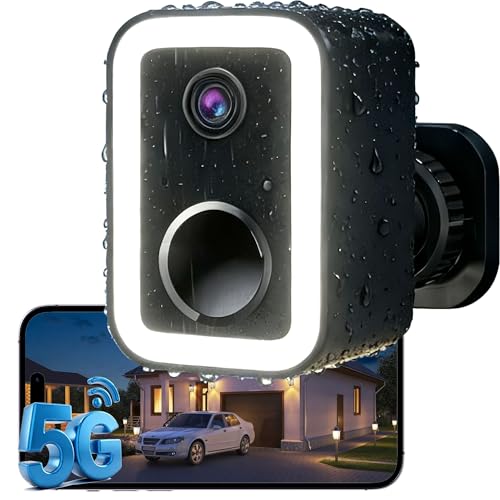
2026 Upgraded 2K Security Cameras Wireless Outdoor, AI Motion Detection & Spotlight Siren Alarm, Outside Battery Powered Camera for Home Security, Full-Color Night Vision, Support WiFi 5G & 2.4G
🌟【Why Choose Us?】Crime prevention, not just crime recording. True Color Night Vision & 2K 3MP Super HD. Upgraded…
As an affiliate, we earn on qualifying purchases.
As an affiliate, we earn on qualifying purchases.