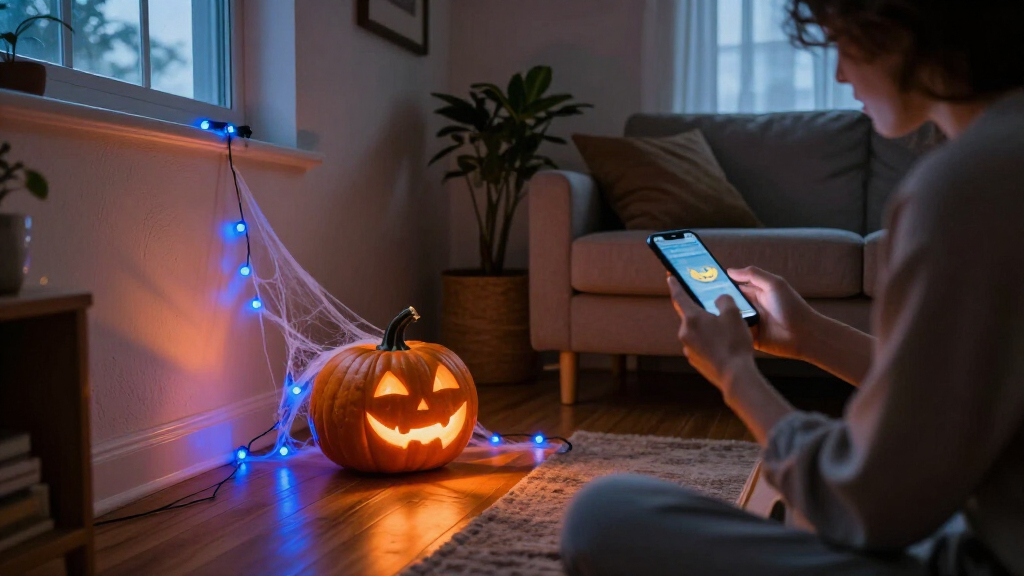

🔍 Read the full analysis: Halloween Decor Meets AI: Ideas For A Haunted Home on ThorstenMeyerAI.com

Get the latest gadgets delivered free with Prime
- Fast, free delivery on millions of items
- Prime Video, Amazon Music and more included
- Member-only deals all year
TL;DR
A guide from ThorstenMeyerAI.com describes ways to use AI for Halloween visuals, voices and interactive effects, while distinguishing those features from motion sensors that trigger prerecorded audio. It recommends choosing one clear effect and checking safety, privacy, connectivity and offline behavior before setting up a display.
ThorstenMeyerAI.com has published an original guide to AI-powered Halloween decor, describing how generated visuals, speech tools and coordinated devices can add interactive effects to a haunted home. The guide cautions that some products marketed as AI use only a motion sensor and prerecorded audio, and urges shoppers to check capabilities, privacy settings and internet requirements before buying.
The ThorstenMeyerAI.com guide distinguishes artificial intelligence features from conventional automation. It describes a prop that plays the same growl whenever someone approaches as sensor-triggered; a character that uses speech recognition to respond to a visitor’s question adds an AI capability. The guide also says generative tools can help create artwork, dialogue or audio, while computer vision can analyze camera images. It notes that these functions have different requirements and potential drawbacks, including the need to review generated content, recognition errors in noisy settings and privacy concerns around images.
For a home display, the guide recommends giving each feature a clear role, as in this guide to smart home Halloween decorations, rather than making every decoration interactive. Its example is a dim entryway with a portrait that whispers a welcome as guests approach, accompanied by a light changing from amber to blue. The guide says a motion detector and local recording can provide a straightforward effect; speech tools or connected lights, as explored in this comparison of smart Halloween decorations, can add variation but may introduce setup needs and delays. It notes that online features depend on connectivity, while local playback may be more dependable but offer less variation.
The guide’s proposed planning process starts by choosing one visitor-facing moment, then creating and editing the content, selecting a trigger and output, and testing the scene. It also flags practical checks: confirm what runs locally versus through an online service, review privacy settings, and check current product capabilities, availability and pricing. The guide says generated voices and visuals may need editing, and their licenses may restrict commercial use or sharing.
A motion-triggered recording is automation; AI usually means a system generates or interprets content.
Use generated art, voices, or dialogue to personalize a scene, then review the results and usage terms.
Plan one clear visitor moment before choosing sensors, lights, speakers, or controllers.
Test offline behavior, sensor timing, audio, cable placement, and outdoor protection before Halloween night.
Tell visitors when a display processes faces or voices, limit collection, and provide a way to pass without interacting.
Making a Scare Work Reliably
The distinction drawn in the ThorstenMeyerAI.com guide between AI and a sensor-triggered recording helps shoppers match a product to the effect they want and understand what extra complexity they are paying for. The guide says a prerecorded cue may be enough for a jump scare; a responsive character may suit a brief conversation, but can be harder to set up and less predictable. Clear timing and atmosphere can matter more to visitors than the number of connected devices in a scene.
The guide also identifies reliability and privacy as practical considerations. A feature that relies on an online service may stall if a home’s connection drops, and speech or image processing can involve information from visitors. It advises checking those dependencies and planning a simple fallback, such as a local recording or light cue. These choices can help homeowners keep an effect engaging without letting technical problems dominate the evening.
From Triggers to Responsive Props
The ThorstenMeyerAI.com guide places AI features alongside familiar Halloween effects, such as motion detectors that start a sound or movement. It says generated media can supply customized artwork or dialogue, and speech systems can make a prop’s response vary with what a visitor says. Connected lights, speakers and controllers can coordinate the scene. The guide notes that “AI-powered” can cover these different capabilities, so the label alone does not reveal how a product works.
The source is a practical guide, not a product test or an announcement of a new device. It does not name specific products or provide independent measurements of reliability, pricing or performance. It frames the decision around the intended scene and the tradeoffs between variation, setup, connectivity and privacy.
Product Features Vary
The ThorstenMeyerAI.com guide does not identify specific products, vendors or independently tested devices, so it does not establish which current decorations offer the described features or how well they perform. Availability, capabilities and pricing may change; shoppers need to consult current product information. The guide also does not specify how particular products store or process speech and camera data. Whether a feature works offline, what information it transmits and what its license permits remain product-specific questions.
Check Before Halloween Night
Based on the ThorstenMeyerAI.com guide, before buying or building a display, decide what visitors should see or hear, then verify that each device supports that effect. Check whether processing and playback happen locally or require an online service, review privacy controls and content licenses, and test the setup from the visitor’s approach. Have a simple fallback ready for a missed trigger or lost connection. The guide gives no product launch or later milestone; its practical next step is to review current product details and test the scene before guests arrive.
Key Questions
What counts as AI-powered Halloween decor?
The ThorstenMeyerAI.com guide says it may include generated artwork or dialogue, speech recognition that helps a character respond, or image analysis. A motion sensor that plays the same prerecorded sound is automation, not AI by itself.
Do AI decorations need an internet connection?
According to the guide, some features may rely on an online service, while local playback can work without one. Check the specific product’s requirements and have a fallback cue if a connected effect stops working.
What should I check about privacy?
The guide recommends finding out whether a product uses a microphone or camera, whether it processes data locally or sends it to an online service, and what its privacy settings say about visitor information.
How can I make a display easier to manage?
The guide recommends starting with one clear effect, such as a portrait that speaks when someone approaches. Add devices only when they improve the scene, then test the trigger, sound and lighting together.
Source: ThorstenMeyerAI.com
Fall Picks
fall essentials
As an affiliate, we earn on qualifying purchases.