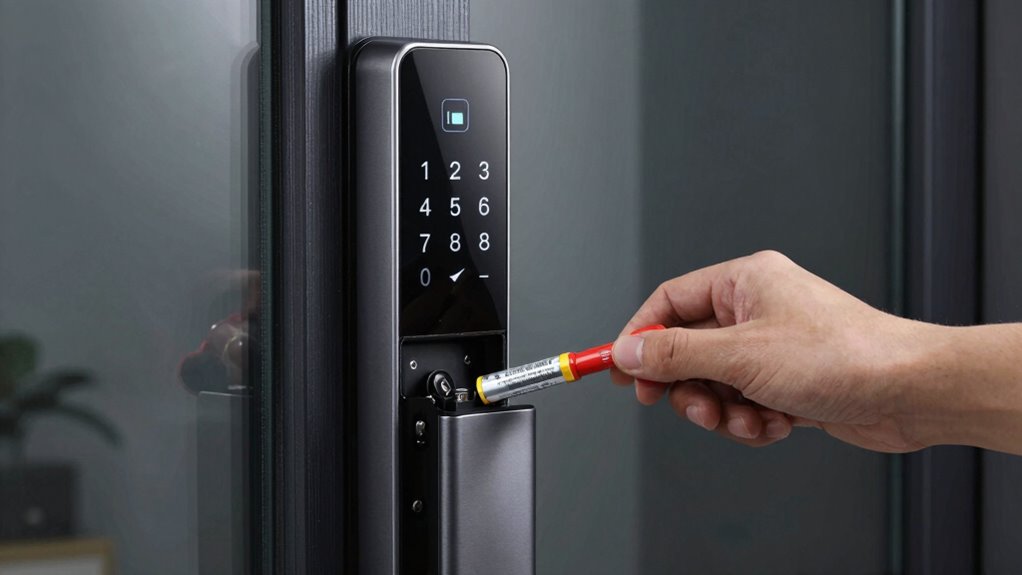

Battery planning for your smart lock involves monitoring battery health regularly, using low-battery alerts, and choosing high-capacity or rechargeable options to extend lifespan. You should also manage energy-efficient features and limit power-draining functions like Bluetooth or Wi-Fi when not needed. By planning replacements ahead of time and understanding your lock’s power needs, you can avoid surprises and guarantee smooth access. Keep exploring to discover more tips to maximize your smart lock’s battery life.
Key Takeaways
- Monitor battery health regularly to anticipate replacements and prevent lock failures.
- Use low-battery alerts and capacity estimates for proactive planning.
- Choose high-capacity or rechargeable batteries to extend usage intervals.
- Implement power-saving modes and manage energy-consuming features wisely.
- Plan replacements based on usage patterns, battery lifespan, and device performance.
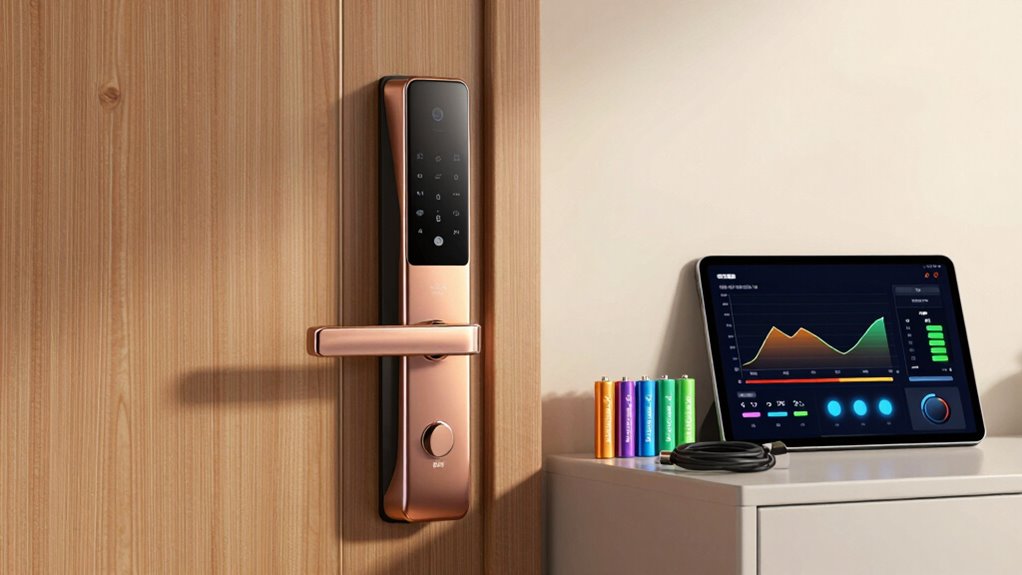
Battery lifespan is a critical consideration. Most smart locks use standard batteries like AA or rechargeable lithium-ion packs. The lifespan varies depending on usage patterns and the quality of the batteries, but generally, you can expect them to last anywhere from several months to over a year. Regularly monitoring battery health helps you anticipate replacements, preventing sudden failures. Many smart locks offer low-battery alerts, which give you ample warning to swap out batteries before they die completely. If your lock supports it, consider investing in high-capacity batteries or rechargeable options to extend the lifespan and reduce ongoing costs.
Power consumption is another essential aspect of battery planning. These devices are designed to be energy-efficient, but their consumption rates can differ based on how often you use the lock, the technology involved, and the features enabled. For example, locks with Bluetooth, Wi-Fi, or keypad functions tend to draw more power than basic models. When you select a smart lock, look into its power requirements and how it manages energy. Some models incorporate power-saving modes or only activate certain features when needed, which helps conserve battery life. Using these features wisely can considerably extend the life of your batteries. Additionally, understanding battery capacity and how it impacts device performance can help you make more informed choices about your smart lock’s power needs. Regularly checking battery life expectancy estimates provided by manufacturers can further aid in planning replacements proactively. Staying aware of energy-efficient features can also assist in maximizing battery longevity. Moreover, choosing batteries with higher energy density can significantly improve overall runtime and reduce the frequency of replacements. Properly managing power consumption is crucial for maintaining optimal device performance over time.

EBL Lithium AA Batteries 12 Pack, Longest Lasting 3700mAh 1.5V Non-Rechargeable, Upgraded Super Ⅲ AA Lithium Batteries for Blink Camera, Doorbell, Smart Lock Deadbolt
SUPER Ⅲ & Ultra Longest-Lasting: EBL lithium batteries aa 3700mAh is the market's longest-lasting aa batteries non-rechargeable, Advanced…
As an affiliate, we earn on qualifying purchases.
As an affiliate, we earn on qualifying purchases.
Frequently Asked Questions
How Often Should I Check My Smart Lock Battery Levels?
You should check your smart lock’s battery levels regularly, ideally once a month, to prevent unexpected power loss. Keep an eye on the battery calibration data and monitor power consumption patterns, especially if you notice the lock’s performance declining. Frequent checks help you anticipate when to recharge or replace batteries, ensuring your lock stays functional. Staying proactive reduces inconvenience and maintains security, especially during critical times.
Can I Retrofit Existing Locks With Smart Lock Batteries?
Yes, you can retrofit existing locks with smart lock batteries, but check the battery compatibility first. Some locks are designed for specific power sources, so verify your lock supports the new batteries or power source alternatives. If your current lock isn’t compatible, consider upgrading to a smart lock designed for easy battery replacement or alternative power options like rechargeable batteries or external power supplies. Always follow manufacturer guidelines for safe installation.
What Are the Signs of a Dying Smart Lock Battery?
You’ll notice your smart lock battery is dying when it starts to respond slowly or when you receive low battery alerts. Battery lifespan varies with power consumption, so if your lock uses more features or has frequent activity, the battery drains faster. Keep an eye on indicator lights or app notifications; these signs help you replace batteries before losing access. Regular monitoring guarantees your smart lock stays reliable and secure.
Are There Eco-Friendly Battery Options for Smart Locks?
Yes, there are eco-friendly alternatives for smart lock batteries. You can opt for rechargeable batteries, which reduce waste and are more sustainable over time. Additionally, look for brands that participate in battery recycling programs, helping you dispose of used batteries responsibly. By choosing these options, you minimize environmental impact and contribute to a greener future, all while keeping your smart lock powered reliably.
How Long Do Smart Lock Batteries Typically Last?
Like the legendary Energizer Bunny, your smart lock’s battery life depends on its power consumption, typically lasting 6 to 12 months. Factors such as frequent use, additional features, and environmental conditions influence its lifespan. To keep things running smoothly, monitor the battery regularly and consider eco-friendly options when possible. Proper planning guarantees your smart lock remains reliable without unexpected power failures, giving you peace of mind day after day.
EBL Lithium AA Batteries 12 Pack, Longest Lasting 3700mAh 1.5V Non-Rechargeable, Upgraded Super Ⅲ AA Lithium Batteries for Blink Camera, Doorbell, Smart Lock Deadbolt
SUPER Ⅲ & Ultra Longest-Lasting: EBL lithium batteries aa 3700mAh is the market's longest-lasting aa batteries non-rechargeable, Advanced…
As an affiliate, we earn on qualifying purchases.
As an affiliate, we earn on qualifying purchases.
Conclusion
By understanding your smart lock’s battery needs and planning ahead, you can avoid unexpected lockouts and keep your home secure. Regularly check the battery life, use notifications, and keep spare batteries handy. Some experts suggest that smart lock batteries last longer than you might think, debunking the myth that they’re constantly draining power. With proper planning and a bit of vigilance, you’ll enjoy seamless security without the worry of sudden power failures.

Philips Wi-Fi Door Lock, WiFi Smart Lock Keyless Entry Deadbolt for Front Door, Compatible with Alexa & Google Assistant, Remote Control, Built-in WiFi, APP Fingerprint Passcode Unlock, Auto Locking
𝐅𝐥𝐞𝐱𝐢𝐛𝐥𝐞 𝐖𝐚𝐲𝐬 𝐭𝐨 𝐔𝐧𝐥𝐨𝐜𝐤: Unlock the way you want: app, passcode, fingerprint, physical key, or voice via Alexa/Google…
As an affiliate, we earn on qualifying purchases.
As an affiliate, we earn on qualifying purchases.

IBLOG Smart Deadbolt Lock, Fingerprint Keyless Entry Door Lock App Control, Electronic Touchscreen Keypad, Auto Locking, IP54 Weatherproof, Easy Install Digital Deadbolt for Front Door
【Fully Functional App Control】IBLOG smart deadbolt door lock has built-in Bluetooth, allowing you to easily manage the lock…
As an affiliate, we earn on qualifying purchases.
As an affiliate, we earn on qualifying purchases.