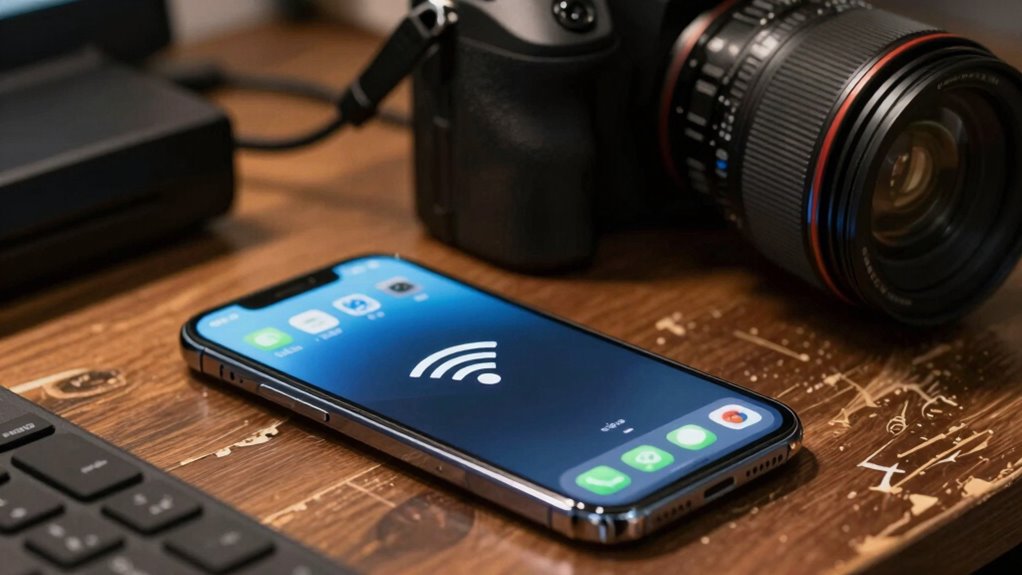

If your WiFi coverage is weak, your cameras will likely face lag, blurry video, or connection drops more often than you realize. Poor signal strength from distance, obstacles, or interference causes unstable streams and missed alerts. Enhancing your network setup, like repositioning your router or adding extenders, can make a big difference in reliability. Keep in mind, better coverage means improved security—discover key strategies to optimize your WiFi for cameras.

Get the latest gadgets delivered free with Prime
- Fast, free delivery on millions of items
- Prime Video, Amazon Music and more included
- Member-only deals all year
Key Takeaways
- Weak WiFi signals cause lower resolution streams and frequent disconnections, impacting camera reliability.
- Poor coverage leads to buffering, missed footage, and increased lag during live viewing.
- Signal obstructions from walls or objects weaken connections, reducing camera performance.
- Insufficient coverage can cause cameras to drop out or fail to load footage properly.
- Proper network placement and extenders ensure stable signals, enhancing camera consistency and security.
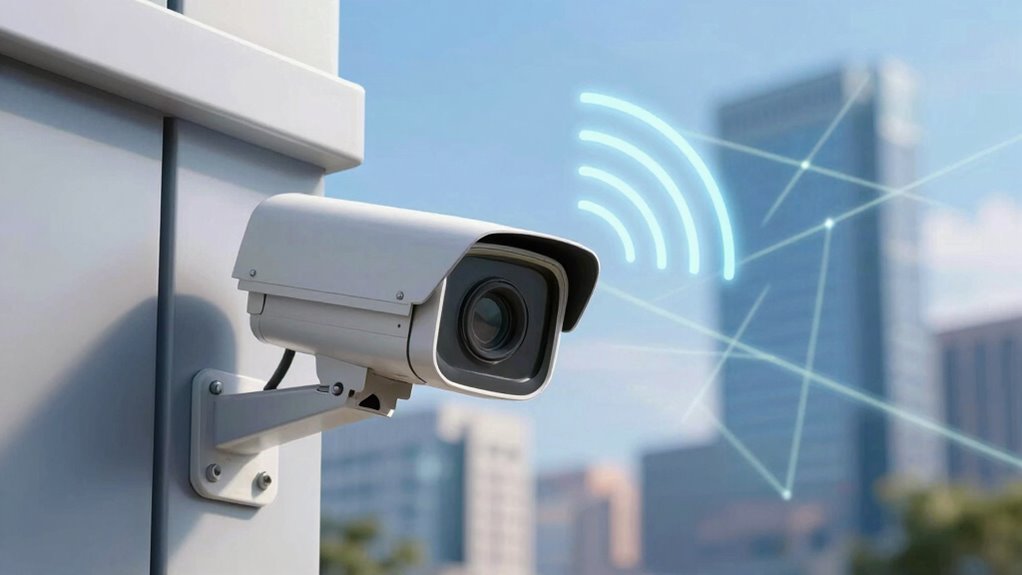
A strong WiFi connection is essential for guaranteeing your security cameras work reliably, especially as many modern systems rely heavily on wireless networks. When your WiFi coverage is weak or inconsistent, your cameras may experience lag, dropouts, or blurry footage, making it harder to monitor your property effectively. To ensure optimal performance, it’s important to understand how wireless interference** and other factors impact your network. The core issue often stems from poor signal strength, which can be caused by distance from your router, physical obstructions, or interference from other electronic devices**.
Wireless interference is a common culprit that diminishes your WiFi signal and directly impacts your camera’s performance. Appliances like microwaves, cordless phones, and Bluetooth devices operate on similar frequencies, creating noise that hampers your network’s stability. Thick walls, metal objects, or household appliances between your router and cameras can also block or weaken signals, increasing the chance of disruptions. When interference increases, your cameras struggle to maintain a steady connection, leading to intermittent video feeds or missed alerts. Additionally, network setup plays a crucial role in minimizing interference and ensuring a clear signal path. Proper channel selection can further reduce interference by avoiding crowded frequency bands in your environment.
Wireless interference from appliances and obstacles can weaken signals, causing camera disruptions and missed alerts.
Your signal strength plays a critical role in maintaining camera reliability. The further a camera is from your WiFi router, the weaker its connection becomes. This weakening results in lower resolution streams or frequent disconnections. If your cameras are placed in areas with poor coverage, they may constantly buffer or fail to load footage. To prevent this, you need to assess your WiFi coverage across your property and consider relocating your router or adding WiFi extenders or mesh systems to boost signal strength in weak spots. Additionally, proper network planning can help optimize coverage and reduce dead zones. Keeping your firmware updated and configuring your network settings correctly can also enhance overall stability and performance.
Another factor influencing reliability is network congestion. If multiple devices are streaming videos, playing online games, or downloading large files simultaneously, your WiFi bandwidth gets divided, reducing available resources for your cameras. This congestion can cause lag or interruptions, especially if your network isn’t designed to handle high traffic. Managing devices connected to your network or upgrading to a higher-capacity plan can help guarantee your cameras get the bandwidth they need. Properly configuring your network settings can also help prioritize security camera traffic over other data streams. Ensuring your router supports Quality of Service (QoS) features can be particularly effective in maintaining camera reliability during busy periods.
Ultimately, the reliability of your security cameras hinges on stable, strong WiFi coverage. Addressing wireless interference, optimizing your router placement, and ensuring good signal strength across your property are key steps. Don’t overlook the importance of a robust network; it directly influences how well your cameras perform and how effectively they protect your home. When your WiFi is dependable, your cameras will be too, providing peace of mind and clear, continuous surveillance.
Products Worth Considering

Logitech MX Keys S Wireless Keyboard, Graphite

Sony WH-1000XM4C Wireless Noise-Cancelling Headphones, Black

Bose QuietComfort Wireless Noise-Cancelling Over-Ear Headphones, Black
As an affiliate, we earn on qualifying purchases.
Frequently Asked Questions
Can Wifi Interference Impact Camera Data Transmission?
Yes, WiFi interference can impact camera data transmission. Wireless congestion from multiple devices can clog the network, slowing down data transfer. Signal interference from other electronics or nearby networks can disrupt the connection, causing lag or lost footage. To improve reliability, guarantee your WiFi has minimal congestion and interference, possibly by switching to a less crowded channel or upgrading your router. This helps your camera transmit data smoothly and consistently.
How Does Wifi Frequency Affect Camera Performance?
Think of WiFi frequency as the highway for your camera data—choose the right lane, and traffic flows smoothly; pick the wrong one, and congestion slows everything down. 2.4 GHz offers broader coverage but is prone to signal congestion and interference, reducing bandwidth. 5 GHz provides faster speeds and less congestion but has a shorter range. Your camera’s performance hinges on selecting the best frequency to balance speed and coverage.
Do Different Camera Brands Handle Wifi Issues Differently?
Yes, different camera brands handle WiFi issues differently because of brand compatibility and firmware updates. Some brands optimize their devices better for various WiFi networks, ensuring more reliable connectivity. Regular firmware updates also improve WiFi performance by fixing bugs and enhancing compatibility. You’ll find that staying current with updates and choosing brands known for strong connectivity can markedly reduce WiFi-related camera problems.
What Is the Ideal Wifi Signal Strength for Reliable Streaming?
You need a strong WiFi signal, ideally at least -60 dBm, for reliable streaming. To achieve this, prioritize signal boosting and network enhancement. Move your router closer to your cameras, eliminate interference, and consider using range extenders or mesh networks. These steps improve signal strength, reduce lag, and ensure your cameras stream smoothly. Consistently monitoring and adjusting your network setup helps maintain ideal performance and reliability.
Can Wifi Issues Cause Camera Hardware Damage?
No, WiFi issues won’t fry your camera’s circuits, but poor WiFi power and unstable signals can turn your device into a drama queen, causing glitches and misfires. Think of it as a temperamental roommate—more likely to cause frustration than actual damage. While it won’t physically harm your hardware, persistent WiFi instability can lead to performance issues, making your camera a flaky, unreliable sidekick rather than a dependable security hero.
Conclusion
Don’t underestimate the power of WiFi coverage—it’s the backbone of your camera’s reliability. Think of your WiFi signal as the bloodstream that keeps your cameras alive and kicking; a weak or patchy connection can cause missed shots and glitches. Strengthening your WiFi is like giving your cameras a steady heartbeat, ensuring they perform when you need them most. Keep your coverage solid, and watch your camera system shine brighter than a lighthouse in a storm.