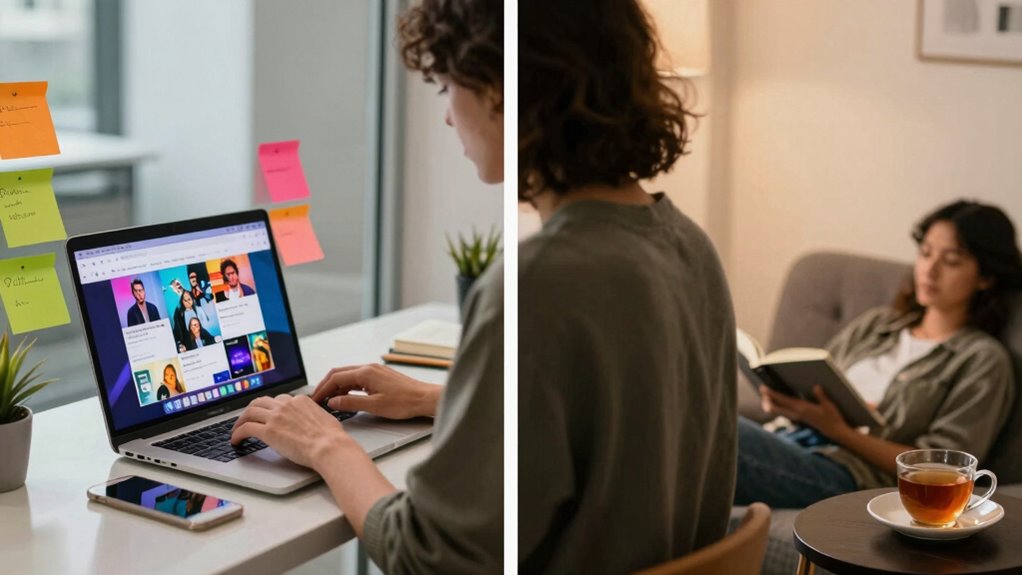

To separate your public profiles from your private life, start by creating distinct accounts for personal and professional use, using different usernames and email addresses. Manage privacy settings carefully on each platform, restricting access to trusted contacts only. Regularly review and update these settings after platform changes. Use different devices if needed to prevent cross-posting and limit who can see your information. Practicing these steps greatly enhances your online boundaries, and you’ll discover more tips as you keep exploring.

Get the latest gadgets delivered free with Prime
- Fast, free delivery on millions of items
- Prime Video, Amazon Music and more included
- Member-only deals all year
Key Takeaways
- Create separate social media accounts for personal and professional use, using different usernames and contact details.
- Regularly review and update privacy settings to restrict access to personal content.
- Use distinct devices or browsers for private and public profiles to prevent cross-posting.
- Limit sharing sensitive or location-specific information to minimize privacy risks online.
- Conduct periodic audits of followers and connections to maintain control over your digital boundaries.
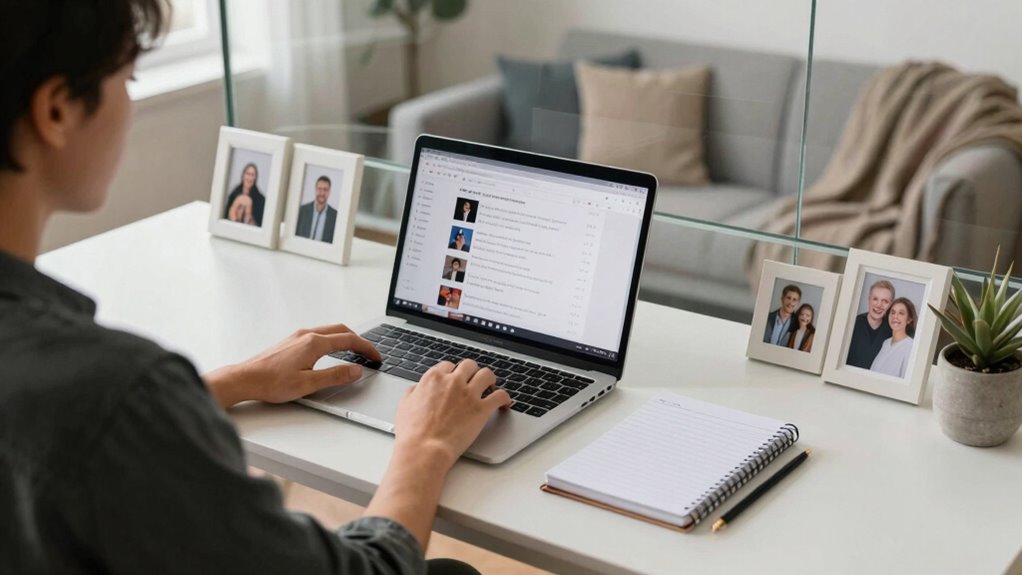
In today’s digital age, it’s more important than ever to keep your public profiles separate from your private life. The line between what you share publicly and what you keep private can easily blur, especially when social media platforms constantly evolve. To maintain control over your digital boundaries, you need to be proactive about how you present yourself online. Start by evaluating your privacy settings on each platform. Most social networks offer options to restrict who can see your posts, personal information, and activity. Take the time to customize these settings so that only trusted friends or contacts can access sensitive content. Regularly review and update your privacy settings, especially after platform updates or policy changes, to ensure your boundaries remain intact.
Creating clear digital boundaries isn’t just about privacy settings; it’s also about being mindful of the content you share. Think of your online presence as an extension of your personal space—what you allow in and what you keep out. Avoid posting details that could be misused or that you wouldn’t want a potential employer, colleague, or family member to see. Be cautious about sharing location data, personal routines, or opinions that could be misunderstood. When you compartmentalize your content, you better protect your private life from unintended viewers. Remember, once something is online, it’s difficult to fully erase, so it’s better to err on the side of caution. Practicing content moderation can help you stay in control of your digital footprint. Additionally, understanding digital boundaries can empower you to set appropriate limits and protect your privacy effectively. Being aware of how your online activity intersects with your public profiles helps prevent accidental oversharing and maintains your desired separation. Establishing consistent habits for reviewing your online presence can further reinforce your boundaries and reduce the risk of oversharing.
Separating your public and private profiles can also mean creating distinct accounts for different purposes. For instance, keep a professional profile on LinkedIn with strictly work-related content, while maintaining a more personal account for friends and family. This not only helps you control who sees what but also reinforces your digital boundaries. Use different usernames, email addresses, or even separate devices if necessary to prevent accidental cross-posting. Being deliberate about your digital footprint makes it easier to manage your privacy and avoid oversharing. Moreover, utilizing privacy tools and security measures can help safeguard your private information from unauthorized access.
Finally, stay vigilant about who can see your content by regularly auditing your followers and connections. Remove or block those you don’t know well or don’t trust. Remember, your online presence reflects you—you have the power to shape it. By actively managing your privacy settings, establishing clear boundaries, and being intentional about your content, you can effectively separate your public profiles from your private life. This approach helps you enjoy the benefits of social media without sacrificing your personal privacy or peace of mind.
Products Worth Considering

Sony WH-1000XM6 Wireless Noise-Canceling Over-Ear Headphones, Blue, Bundle

Bose QuietComfort Wireless Bluetooth Headphones with Active Noise Cancellation, Mic, USB‑C Charging, Deep Bass, 24‑Hour Battery – White Smok

Sonos Era 100 SL Compact Microphone-Free Speaker, Black
As an affiliate, we earn on qualifying purchases.
Frequently Asked Questions
How Do I Handle Accidental Public Posts on Private Accounts?
You should quickly review the accidental public post, then utilize content oversight to remove or hide it promptly. To prevent future mishaps, consider audience segmentation by adjusting your privacy settings or creating separate accounts for public and private content. Regularly monitor your posts and activity, and stay aware of who can see what. This proactive approach helps you maintain boundaries and control over your private life, avoiding unintended exposure.
Can I Completely Hide My Private Life From Public Followers?
Yes, you can completely hide your private life from public followers by maintaining a private account. This gives you strong audience control, allowing only approved followers to see your content. Regularly review your privacy settings and be cautious about what you share. Avoid posting personal details or sensitive information. By keeping your account private and managing who follows you, you effectively safeguard your private life from unwanted public exposure.
What Settings Allow for Better Profile Separation Across Platforms?
You can improve profile separation by adjusting your privacy settings and managing your accounts carefully. On platforms like Facebook and Instagram, set your profiles to private or restrict who can see your content. Use account management tools to create separate profiles for personal and professional use, ensuring each has appropriate privacy controls. Regularly review and update these settings to maintain clear boundaries between your public and private life.
How Do Privacy Laws Affect My Social Media Privacy Options?
Privacy laws and data protection regulations, like GDPR or CCPA, directly impact your social media privacy options. They require platforms to enhance user control over personal data, enabling you to set stricter privacy settings and limit data sharing. These laws also give you rights to access or delete your information, helping you keep your private life separate from your public profile. Stay informed about these regulations to maximize your privacy control.
What Tools Can Help Monitor My Online Privacy Effectively?
To monitor your online privacy effectively, use tools that prioritize data encryption and secure login features. Password managers help you create strong, unique passwords, while VPNs encrypt your internet traffic, protecting your data from prying eyes. Enable two-factor authentication on your accounts for added security. Regularly review privacy settings on social media platforms, and consider privacy-focused browsers and extensions that block trackers, keeping your online presence private and secure.
Conclusion
Think of your online presence as a garden—tend to it carefully, planting your public profiles like vibrant flowers in full view, while keeping your private life hidden behind a sturdy fence. By setting clear boundaries and using privacy tools, you keep your personal world safe from prying eyes. When you nurture this balance, you create a harmonious landscape where your public image blooms brightly, and your private life remains a peaceful sanctuary.