
TL;DR
A tech enthusiast has revived a 15-year-old netbook by installing Arch Linux, showcasing how old hardware can still run current open-source operating systems. This highlights the potential longevity of legacy devices.
A tech enthusiast has successfully installed Arch Linux on a 15-year-old netbook, demonstrating that even legacy hardware can run modern open-source operating systems effectively. This development highlights the potential for extending the lifespan of aging devices through lightweight Linux distributions, offering an alternative to hardware replacement for users with older machines.
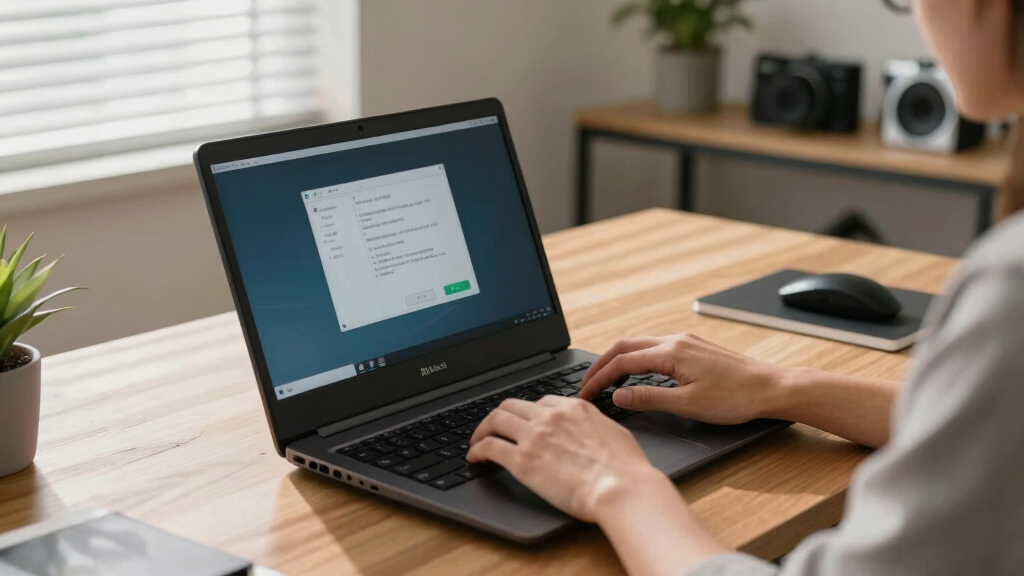
The user, known online as ‘RetroTech’, documented the process of installing Arch Linux on a netbook manufactured in 2009. The device, originally designed for basic tasks, was previously considered obsolete due to hardware limitations and lack of support for recent software updates.
After several attempts to install lightweight Linux distributions, the user opted for Arch Linux, known for its minimalism and customizability. The installation involved configuring the kernel, managing drivers, and optimizing the system for limited hardware resources. The process was documented through a series of online tutorials and shared via social media.
According to ‘RetroTech’, the netbook now runs smoothly with basic web browsing, office applications, and media playback, confirming that modern Linux distributions can breathe new life into old hardware. The project underscores the potential for extending device longevity, reducing electronic waste, and promoting sustainable computing practices.
Why Reviving Old Hardware Matters in 2024
This development demonstrates that legacy devices can still serve practical purposes with the right software. It challenges the common perception that old hardware is entirely obsolete, encouraging users to consider Linux-based solutions for extending device lifespan. The project also highlights the environmental benefits of reusing existing hardware rather than discarding it, contributing to sustainability efforts in technology.
As an affiliate, we earn on qualifying purchases.
Legacy Devices and Linux: A Growing Trend
Over the past decade, Linux distributions have gained popularity among tech enthusiasts for their ability to run efficiently on older hardware. Distributions like Lubuntu, Puppy Linux, and Arch Linux are often recommended for revitalizing aging machines. The specific choice of Arch Linux in this case reflects its flexibility and appeal to users comfortable with manual configuration. This revival aligns with broader efforts to promote sustainable computing and reduce e-waste, especially as many devices reach or surpass their typical lifespan.
Prior to this, similar projects have demonstrated that older laptops and desktops can be repurposed for lightweight tasks, but a 15-year-old netbook running a modern Linux OS remains a noteworthy achievement due to its hardware constraints.
“Installing Arch Linux on this old netbook was challenging but rewarding. It now handles everyday tasks smoothly, proving that hardware longevity is still possible.”
— user ‘RetroTech’
As an affiliate, we earn on qualifying purchases.
Limitations and Performance of the Revived Netbook
While the netbook now performs basic tasks, it remains unclear how well it will handle more demanding applications or extended use over time. Hardware limitations such as slow processors, limited RAM, and aging batteries may still restrict its functionality. Additionally, long-term stability and hardware compatibility with future updates are not yet confirmed.
Linux compatible netbook RAM upgrade
As an affiliate, we earn on qualifying purchases.
As an affiliate, we earn on qualifying purchases.
Future Potential for Similar Hardware Projects
The success of this project may inspire others to attempt reviving similar devices. Developers and enthusiasts might explore optimized Linux configurations tailored for legacy hardware, potentially creating a community around sustainable computing. Further testing will determine the long-term viability and performance of such setups, and developers may release guides or tools to simplify the process.
miniature external keyboard for netbook
As an affiliate, we earn on qualifying purchases.
As an affiliate, we earn on qualifying purchases.
Key Questions
Can any old netbook be revived with Linux?
While many older netbooks can run lightweight Linux distributions, hardware specifications vary. Compatibility depends on the device’s components and support for Linux drivers.
What are the main challenges in installing Linux on a 15-year-old netbook?
Challenges include driver support for aging hardware, limited processing power, low RAM, and potential BIOS or firmware restrictions. Manual configuration is often required.
Does reviving old hardware with Linux save money?
Potentially, as it avoids the cost of purchasing new devices. It also promotes sustainability by extending the usable life of existing hardware.
Is this approach suitable for everyday use?
For basic tasks like web browsing and document editing, yes. However, performance may be limited for more demanding applications or multitasking.
Will the netbook remain usable with future Linux updates?
It is uncertain; ongoing support depends on hardware compatibility and updates. Older hardware may face limitations with newer kernel or software versions.
Source: hn