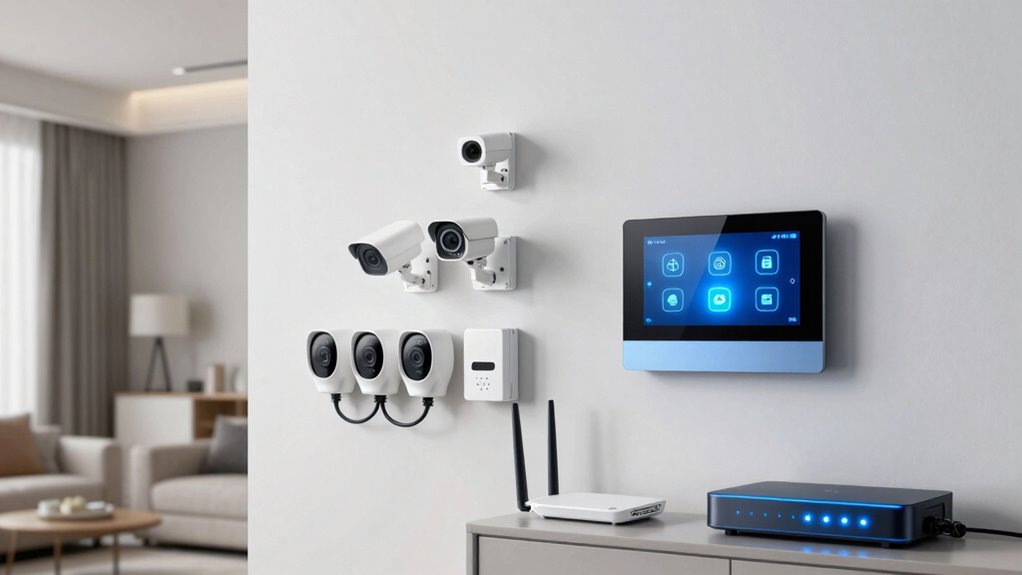
To support security devices well, you need a smart home network that handles multiple protocols like Wi-Fi, Zigbee, and Z-Wave, ensuring seamless communication. It should also be segmented to isolate security gadgets for better security and bandwidth management. A high-performance router with good coverage and support for advanced standards like Wi-Fi 6 helps prevent lag. Strong encryption and regular updates keep your system safe. Keep exploring to find how to build a resilient and flexible setup.

Get the latest gadgets delivered free with Prime
- Fast, free delivery on millions of items
- Prime Video, Amazon Music and more included
- Member-only deals all year
Key Takeaways
- Support multiple wireless protocols like Wi-Fi, Zigbee, and Z-Wave for broad device compatibility.
- Implement network segmentation to isolate security devices from other network traffic.
- Use high-performance routers with Wi-Fi 6 and mesh systems for comprehensive coverage and reliability.
- Enable strong security measures such as encryption, regular updates, and secure passwords.
- Prioritize security device traffic with QoS and ensure network resilience for real-time monitoring.
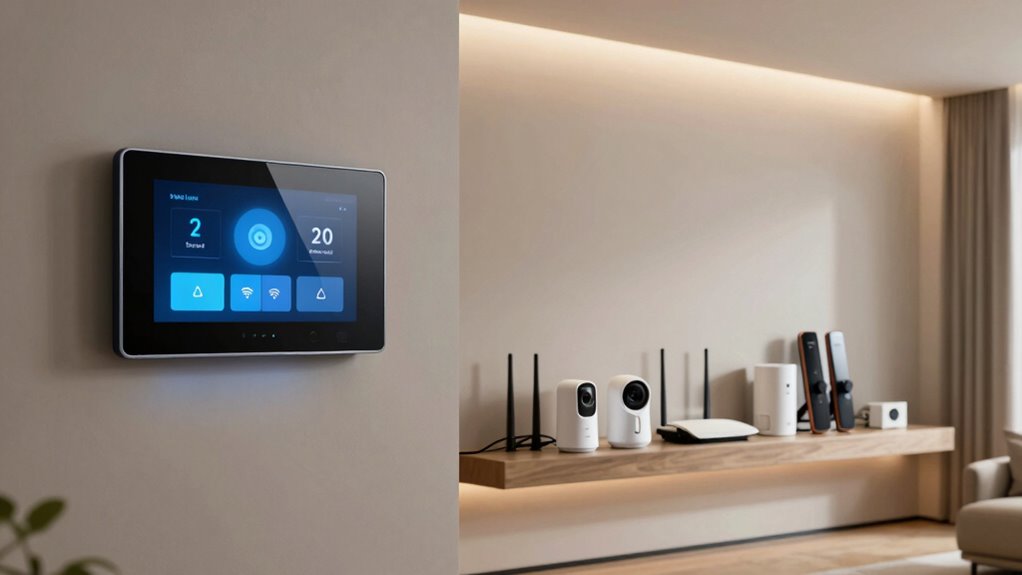
Smart home networks are revolutionizing how security devices protect your property, offering seamless connectivity and real-time monitoring. To make the most of these systems, your network must support reliable wireless protocols that facilitate smooth communication between devices. Devices often rely on Wi-Fi, Zigbee, Z-Wave, or other wireless protocols, each with specific strengths and limitations. Confirming your network supports these protocols means choosing hardware compatible with multiple standards or integrating hubs that can handle diverse signals. This flexibility helps your security devices stay connected and responsive, even if one protocol faces interference or congestion.
Supporting multiple wireless protocols ensures your security devices stay connected and responsive despite interference or congestion.
Beyond choosing the right protocols, network segmentation plays a pivotal role in maintaining a secure and efficient smart home environment. By creating separate segments within your network, you isolate your security devices from other internet-connected gadgets like smart speakers or thermostats. This segregation reduces the risk of a security breach spreading across your entire network and prevents bandwidth hogging by non-essential devices. For example, you can dedicate a specific VLAN or subnet solely to your security cameras and alarm systems, ensuring they always have the bandwidth and priority needed for real-time alerts and streaming. Proper segmentation also simplifies troubleshooting, as you can quickly identify and resolve issues within a dedicated part of your network without affecting other devices.
A robust smart home network needs a reliable router capable of handling multiple connections simultaneously without slowdown. This means investing in a high-performance router that supports advanced wireless standards like Wi-Fi 6, which offers increased speed, capacity, and better handling of multiple devices. You should also enable Quality of Service (QoS) settings to prioritize security device traffic, ensuring that live video feeds and alerts aren’t delayed by less critical traffic. Adding mesh Wi-Fi systems or range extenders further enhances coverage, especially if your home is large or has thick walls, ensuring security devices maintain a stable link wherever they’re installed. Additionally, supporting wireless protocols such as Zigbee and Z-Wave within your network infrastructure ensures compatibility with a broad range of security devices, making your setup more adaptable and resilient. Establishing a comprehensive network security strategy, including firewalls and intrusion detection systems, further fortifies your smart home against external threats.
Finally, security should never take a backseat. Strong encryption, regular firmware updates, and strong passwords are essential to protect your network from external threats. When combined with support for diverse wireless protocols and thoughtful network segmentation, these measures guarantee your security devices operate at their best, providing you with peace of mind. Your smart home network isn’t just about connectivity; it’s about creating a resilient, secure environment where your security devices can function effectively, alerting you to any potential threats in real time.
Wi-Fi 6 mesh router for smart home
As an affiliate, we earn on qualifying purchases.
As an affiliate, we earn on qualifying purchases.
Frequently Asked Questions
How Do I Prioritize Security Device Traffic on My Network?
To prioritize security device traffic, set up network segmentation to isolate these devices from your main network, reducing interference. Use device prioritization features on your router, such as Quality of Service (QoS), to guarantee security devices get bandwidth priority. By doing this, you enhance their responsiveness and security, making sure critical alerts and data are transmitted swiftly without interruption from other network activities.
What Are the Best Encryption Methods for Smart Home Security Devices?
You should use robust encryption protocols like WPA3 for your wireless security, as they provide stronger protection against hacking. For your smart home security devices, opt for end-to-end encryption and secure communication standards like TLS or AES. These encryption methods guarantee data confidentiality and integrity, preventing unauthorized access. Regularly update firmware and change default passwords to enhance overall wireless security, keeping your smart home network safe from threats.
How Often Should Security Device Firmware Be Updated?
Think of firmware updates as your security device’s shield—never let it gather dust. You should update firmware whenever a new version is released, ideally every few months, to patch vulnerabilities and enhance device compatibility. Regular updates prevent firmware vulnerabilities from becoming open doors for intruders. Staying current guarantees your security devices function smoothly, keeping your smart home safe and resilient. Don’t wait for a breach—update proactively.
Can Multiple Security Devices Interfere With Each Other?
Yes, multiple security devices can interfere with each other, mainly through device interference and signal overlap. When devices operate on similar frequencies or channels, they may disrupt each other’s signals, causing performance issues. To prevent this, you should guarantee your network uses different channels for each device, place them strategically to minimize interference, and consider using dual-band or mesh networks. Regularly monitoring your network helps identify and resolve signal conflicts promptly.
What Is the Typical Latency Acceptable for Security Alerts?
You should aim for a latency of under 100 milliseconds for security alerts to guarantee quick responses. Studies show that delays beyond this can hinder timely action. To achieve this, your network needs proper segmentation to prioritize security traffic and Quality of Service (QoS) settings that prioritize alert data over less critical traffic. This setup helps prevent delays, keeps your security devices responsive, and maintains overall smart home network efficiency.
Zigbee and Z-Wave hub for security devices
As an affiliate, we earn on qualifying purchases.
As an affiliate, we earn on qualifying purchases.
Conclusion
In the end, ensuring your smart home network supports security devices flawlessly might seem like common sense, yet many overlook the basics. Ironically, investing in the latest security gadgets won’t do much if your network can’t handle them properly. So, while you chase high-tech solutions, don’t forget the simple steps—strong passwords, reliable Wi-Fi, and regular updates—that keep your security actually effective. Sometimes, the simplest measures are the smartest security investments you can make.
network segmentation VLAN for smart home
As an affiliate, we earn on qualifying purchases.
As an affiliate, we earn on qualifying purchases.
QoS-enabled router for security camera prioritization
As an affiliate, we earn on qualifying purchases.
As an affiliate, we earn on qualifying purchases.
Halloween Picks
halloween
As an affiliate, we earn on qualifying purchases.